
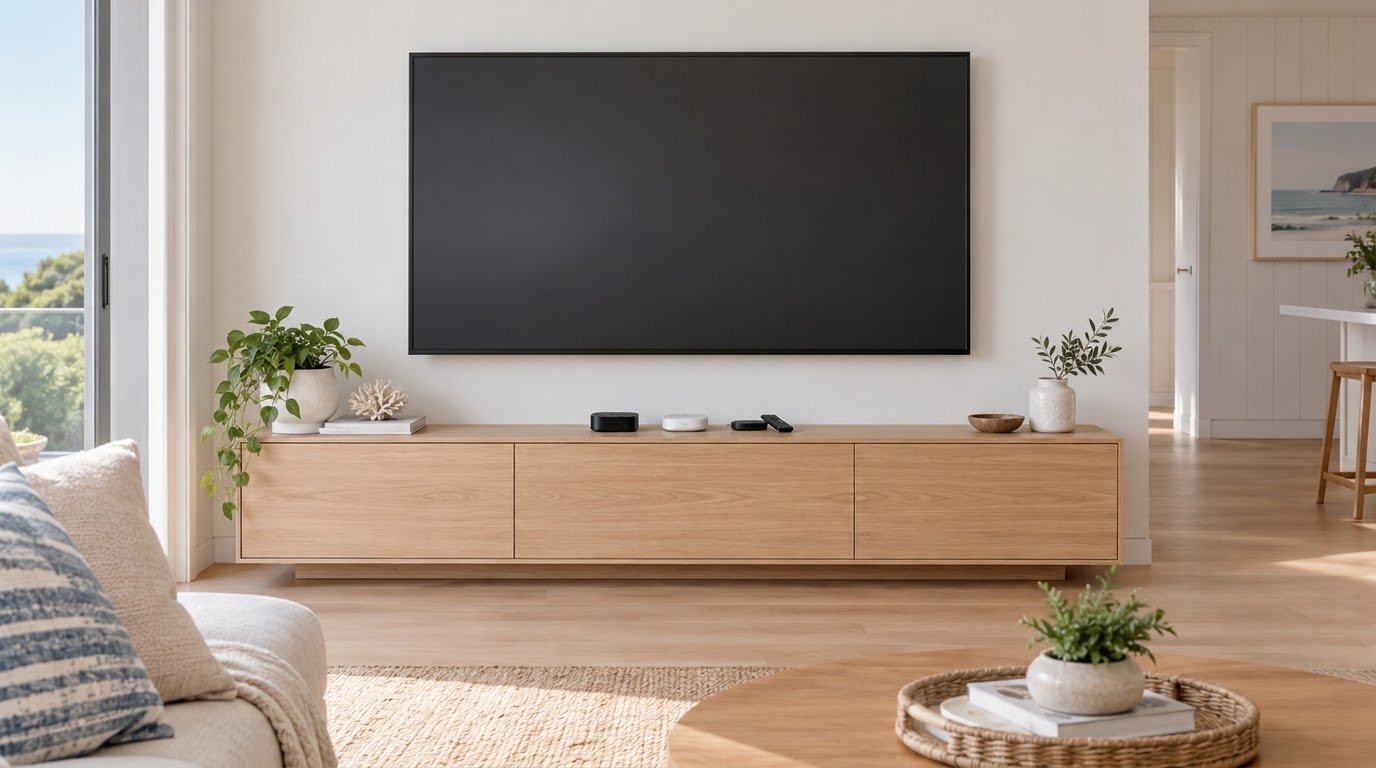
If your TV’s picture is still sharp but the apps are buffering, freezing or taking forever to load, plugging in a dedicated streaming device is usually the most cost-effective fix. It runs its own apps and its own wifi connection, so the TV’s slow built-in processor stops being the problem.
The three main options are the Apple TV 4K, the Google TV Streamer and the Amazon Fire TV Stick. All three will get your apps running smoothly again, but they feel quite different to use day to day.
Apple TV 4K: The Smoothest Option for Northern Beaches Homes With iPhones
The Apple TV 4K is the benchmark for speed. Its home screen is a clean grid of apps with far fewer promotions than the other two, and apps open quickly. It suits anyone with an iPhone or iPad, since you can type passwords from your phone, send photos and videos to the TV with AirPlay, and pair AirPods easily. It’s the most expensive of the three.
Google TV Streamer: Best for Recommendations and Google Homes on the North Shore
The Google TV Streamer replaced the old Chromecast and sits as a small box under the TV. Its home screen pulls shows from all your subscriptions into one place, so you’re browsing what to watch rather than opening apps one by one. It suits households with Android phones or a Google Home setup.
One practical advantage is that it has a built-in ethernet port. If the TV is in a spot where wifi is patchy, you can run a cable to it for a rock-solid connection. The home screen does include sponsored suggestions, which some people find a bit busier than Apple’s.
Fire TV Stick: The Budget Option, but Pick the Right Model
The Fire TV Stick plugs straight into the TV’s HDMI port and is the cheapest way to get apps working again. It suits a bedroom or spare-room TV, or homes already using Alexa. Its home screen leans heavily on Amazon content and sponsored promotions. It also doesn’t support AirPlay or Google’s casting, so sending photos or videos from your phone needs a separate app and is clunkier than on the other two.
The important thing to know is that Amazon now sells two quite different kinds of 4K stick:
- Fire TV Stick 4K Select: the cheapest. It runs Amazon’s new Vega operating system, has less memory and older Wi-Fi 5, and doesn’t support Dolby Vision or Atmos.
- Fire TV Stick 4K Plus and 4K Max: run the established Fire OS, with more memory, newer Wi-Fi (Wi-Fi 6 on the Plus, Wi-Fi 6E on the Max) and the full feature set.
If the whole point is fixing a laggy TV or a dodgy wifi connection, the 4K Plus is worth the small step up over the Select.
Which One Suits Your Setup
- Main lounge room TV, iPhone household: Apple TV 4K
- Android phones, Google Home, or a TV where you can run an ethernet cable: Google TV Streamer
- Bedroom or spare TV on a budget: Fire TV Stick 4K Plus
If you’re on the Northern Beaches or North Shore and your TV’s apps are lagging, or you’re not sure which device suits your setup, get in touch through the contact page or send a message.