
Got a cabinet full of boxes and remotes that don’t quite work together? I offer AV equipment setup across the Northern Beaches and North Shore, and I’ve been connecting TVs, sound systems and players since 2002. So whether it’s a new TV, an old DVD player or a soundbar that won’t play nicely, I can get it all working.
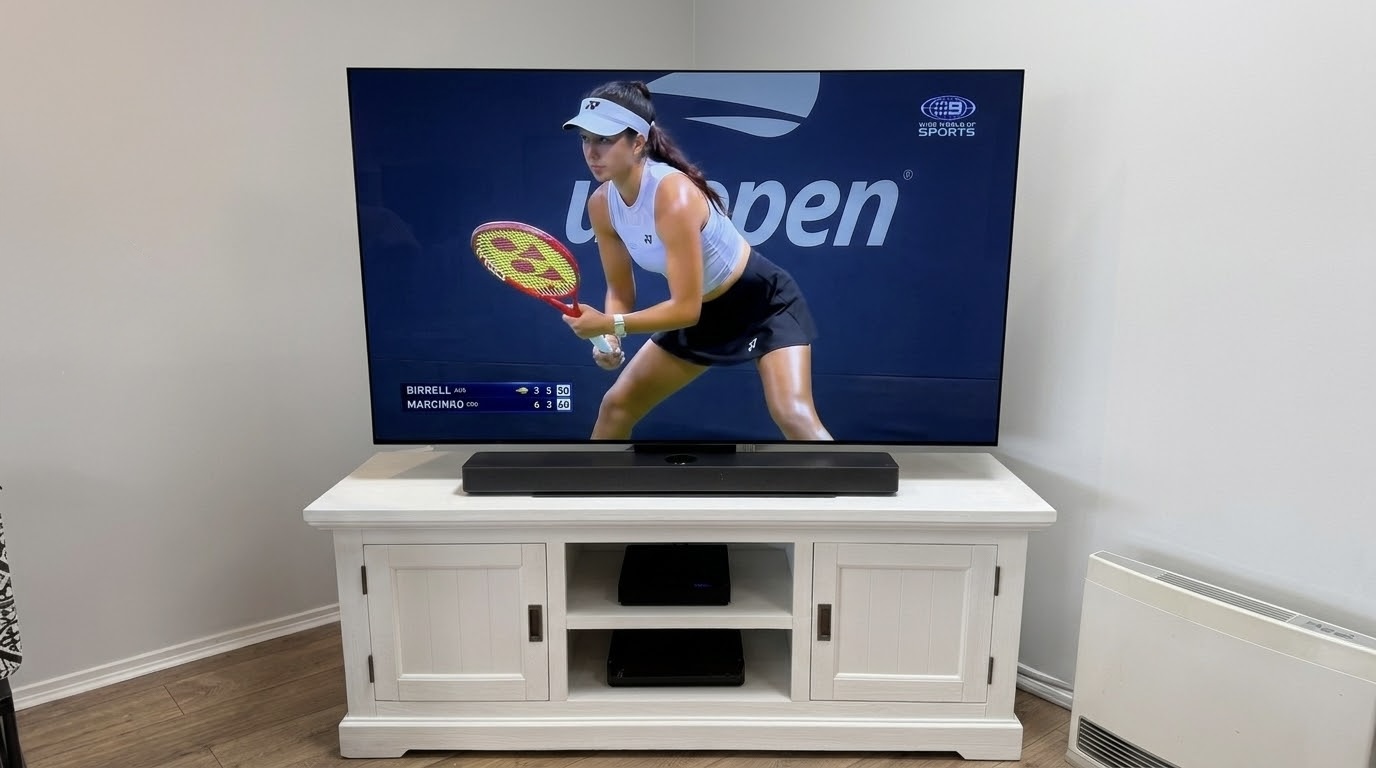
What My AV Equipment Setup Includes
- Installing your new or existing TV, on the wall or on a stand.
- Tuning in the free-to-air channels and getting the picture and sound settings right.
- Connecting Foxtel, Fetch TV, Apple TV and other streaming boxes.
- Setting up DVD and Blu-ray players, HDD recorders and game consoles like PlayStation, Xbox and Nintendo.
- Connecting soundbars, surround sound amplifiers and speakers.
- Signing you into streaming apps like Netflix, Stan, Binge and Disney+.
A step-by-step run-through on how to use it all, plus simple written instructions.
Making Your Devices Work Together
The aim is simple: switching between devices should be easy. Where possible, I set up HDMI control, so the TV remote also handles the soundbar volume. On Samsung TVs, for instance, it’s called Anynet+, and it lets the TV remote control other devices plugged in by HDMI. As a result, several remotes can often come down to one. I also tidy the cables in the cabinet, so everything is easier to find later.
Sometimes older gear needs a little extra help. For example, I recently got a customer’s older RF headphones working with a new LG TV, using a small converter. Similarly, an older Sonos Playbar only connects with an optical cable, so it needs setting up differently to newer soundbars.
Fixing Common TV and Sound Problems
I also sort out gear that isn’t working properly. Common problems include:
- No sound from the soundbar after getting a new TV.
- The wrong input showing, or a box that won’t turn on with the TV.
- A Foxtel or Fetch box that lost its connection after a move.
- Too many remotes, and nobody remembering which one does what.
In many cases, the fix is a setting, a cable in the wrong port or a quick update. Either way, I’ll explain what went wrong, so you know what to do if it happens again.
Book AV Equipment Setup on the Northern Beaches or North Shore
Send me a quick list or a photo of your gear, and I’ll tell you what’s involved. Then get in touch through the contact page or send a message to book your AV equipment setup on the Northern Beaches or North Shore. You can also see some of my recent jobs below.
Recent AV Equipment Setup Jobs
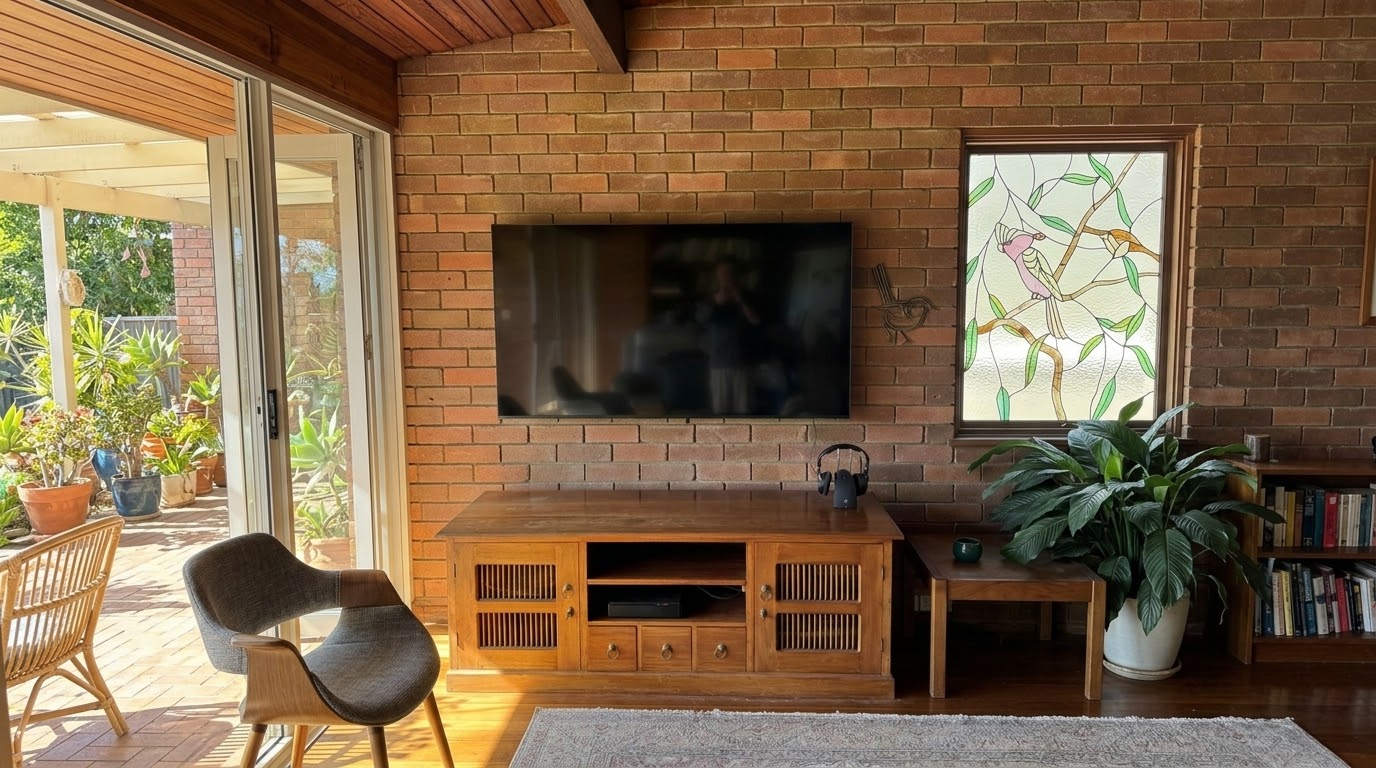
New LG TV Install in Killarney Heights, Northern Beaches: Reusing the Original Wall Bracket
This TV replacement in Killarney Heights is a good example of why a new TV doesn’t have to mean starting from scratch. The customer’s 8-year-old 65-inch LG made way for a brand new LG of the same size. We kept the original wall bracket and the hidden cable run. Along the way, I also solved […]

From Muffled Dialogue to Crystal-Clear Audio — Sonos Beam Setup in Warriewood
This was a return visit to a client in Warriewood — I’d helped them out before with their Samsung TV and Foxtel setup, so I was already familiar with the space. This time, the problem was different. TV dialogue was hard to follow, voices felt distant, and cranking the volume wasn’t really fixing it. After […]

Premium TV and Sonos Upgrade in Avalon – A Living Room Built for the Future
When you have a beautiful open-plan living space on the Northern Beaches, it deserves an audio-visual setup to match. This recent job in Avalon Beach was all about doing exactly that — replacing an outdated 55” setup with something genuinely premium, and getting the room’s technology right for years to come. Out with the Old: […]

Soundbar vs Surround Sound: Which Is Right for Your Northern Beaches Home?
Soundbars and surround sound systems offers a different level of performance, complexity, and style. Which is better?