
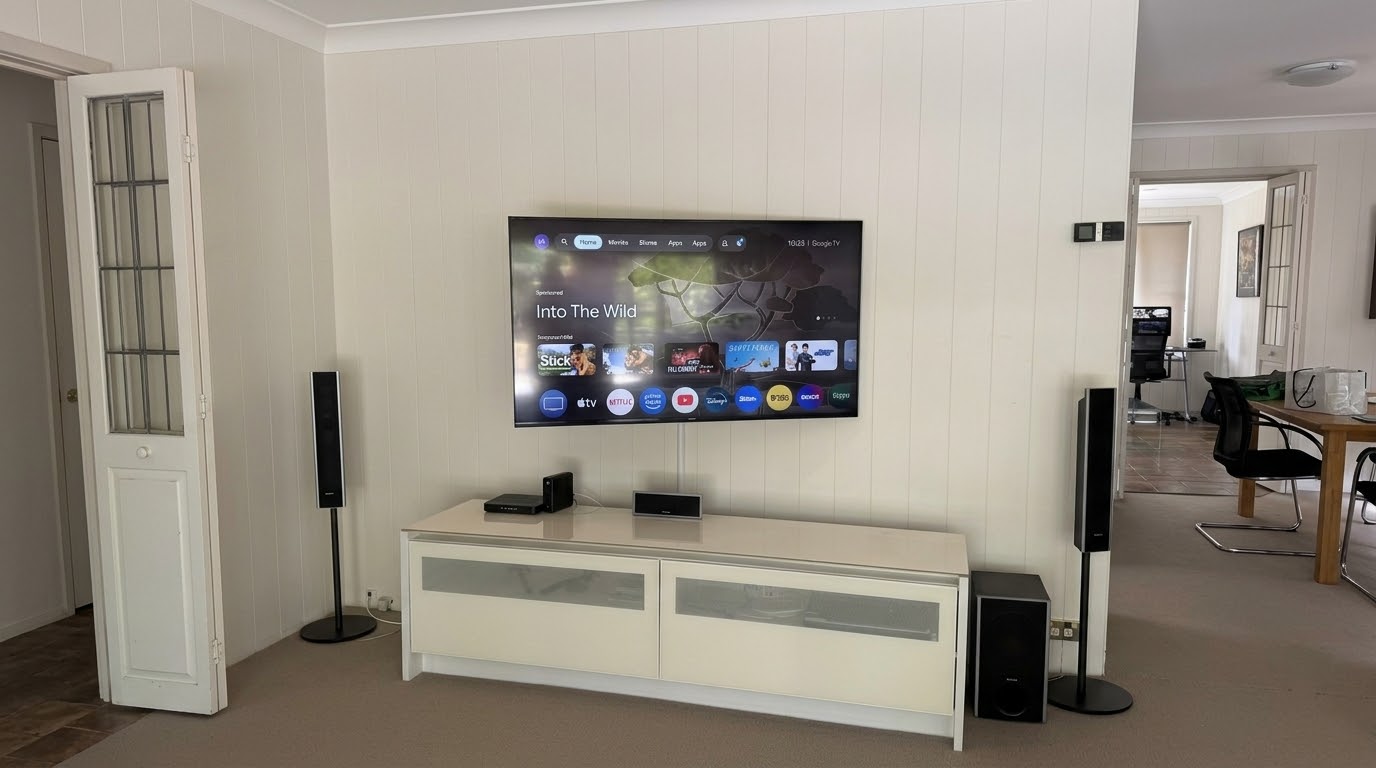
This TV wall mount in Cromer came about for a reason I hear more and more often: the grandkids. The family’s 55-inch Sony had been sitting on its stand on the cabinet for years. With little ones around now, they wanted it up on the wall, secure and out of reach.
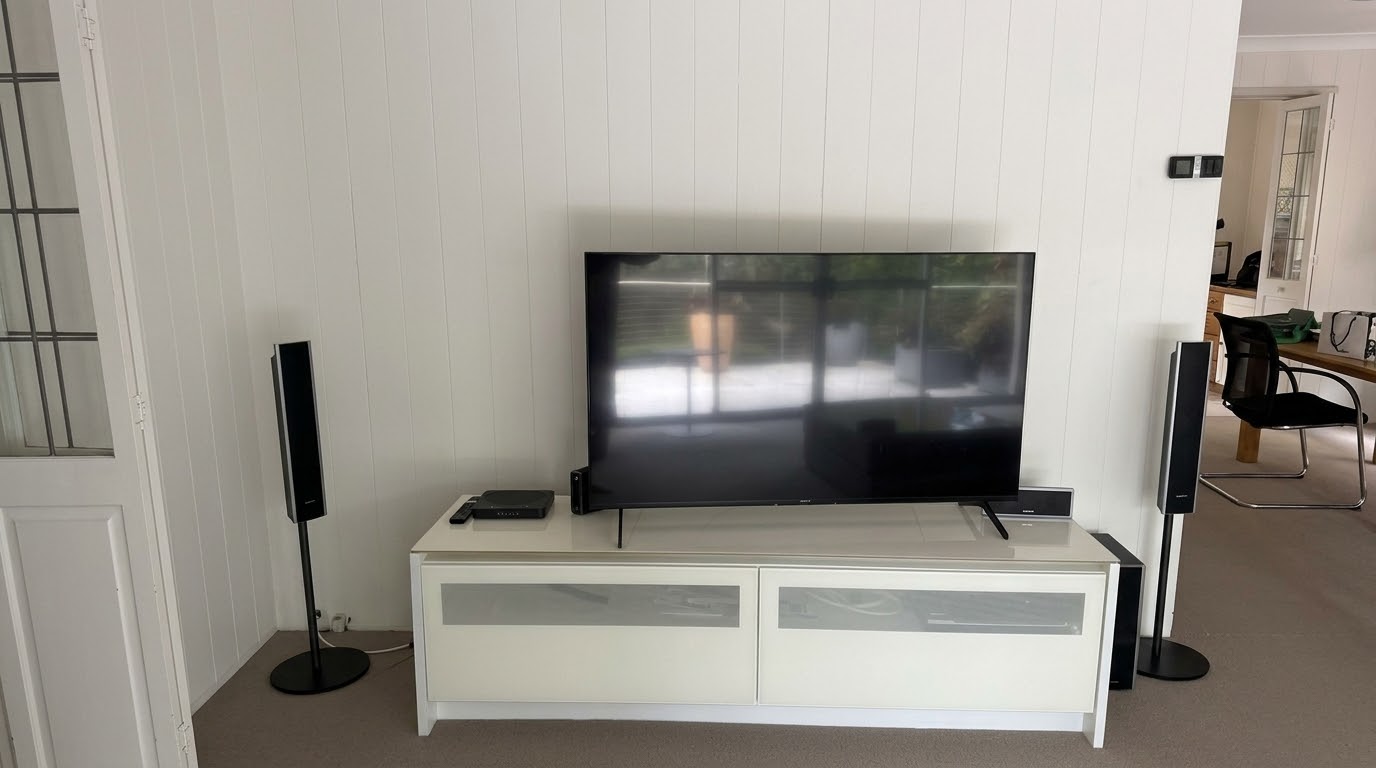
Swivel TV Wall Mount in Cromer on the Northern Beaches
The room is L-shaped, and the family wanted the TV centred on the wall so it looked right in the space. They also wanted it angled towards the other side of the room, where they actually sit and watch.
That’s exactly what a swivel bracket is for. Most of the TVs I mount go on a flat bracket, and only about one in twenty needs a swivel. This was one of them. The customer bought the bracket online, a Mounting Dream full-motion mount with dual arms. It was the first time I’d fitted that model, and it did the job well. It felt solid once the TV was on it.
My advice with any swivel bracket is the same: set the angle once and leave it. Pulling the TV in and out every day flexes the cables and can eventually wear out a lead or damage a port on the back of the TV. This family plans to set it and leave it, which is the best way to go.
Finding the Studs Behind Panelled Walls
The wall is lined with vertical timber panelling, which makes finding the studs trickier than on a plasterboard wall. The panel lines can fool you into thinking you know where the frame is.
Luckily, there was a power point on that wall. Power points are usually fixed beside a stud, and checking there confirmed one right where I needed it. With the bracket fixed into solid timber, the TV isn’t going anywhere. I’ve covered mounting on panelled walls before in my Warriewood panelling post if you’d like to read more.
Why the Cables Went in Conduit Instead of the Wall
My first choice is always to run the cables inside the wall. On this job, a noggin sat low in the frame, right where the cables needed to go. A noggin is a horizontal piece of timber between the studs that braces the wall, and this one blocked the run inside the cavity.
So a slimline plastic conduit was the neatest option. It carries four cables down to the cabinet: power, HDMI, optical and antenna. The optical cable sends the TV’s sound to the family’s Sony 5.1 home theatre system, so they still get the surround sound they’re used to.
Book a TV Wall Mount in Cromer or Anywhere on the Northern Beaches
If you’re after a TV wall mount in Cromer or nearby, on plasterboard, panelling or brick, I’ll find the right spot, sort out the cables and make sure everything works before I leave. Get in touch through the contact page or send a message and we’ll get it booked in.