
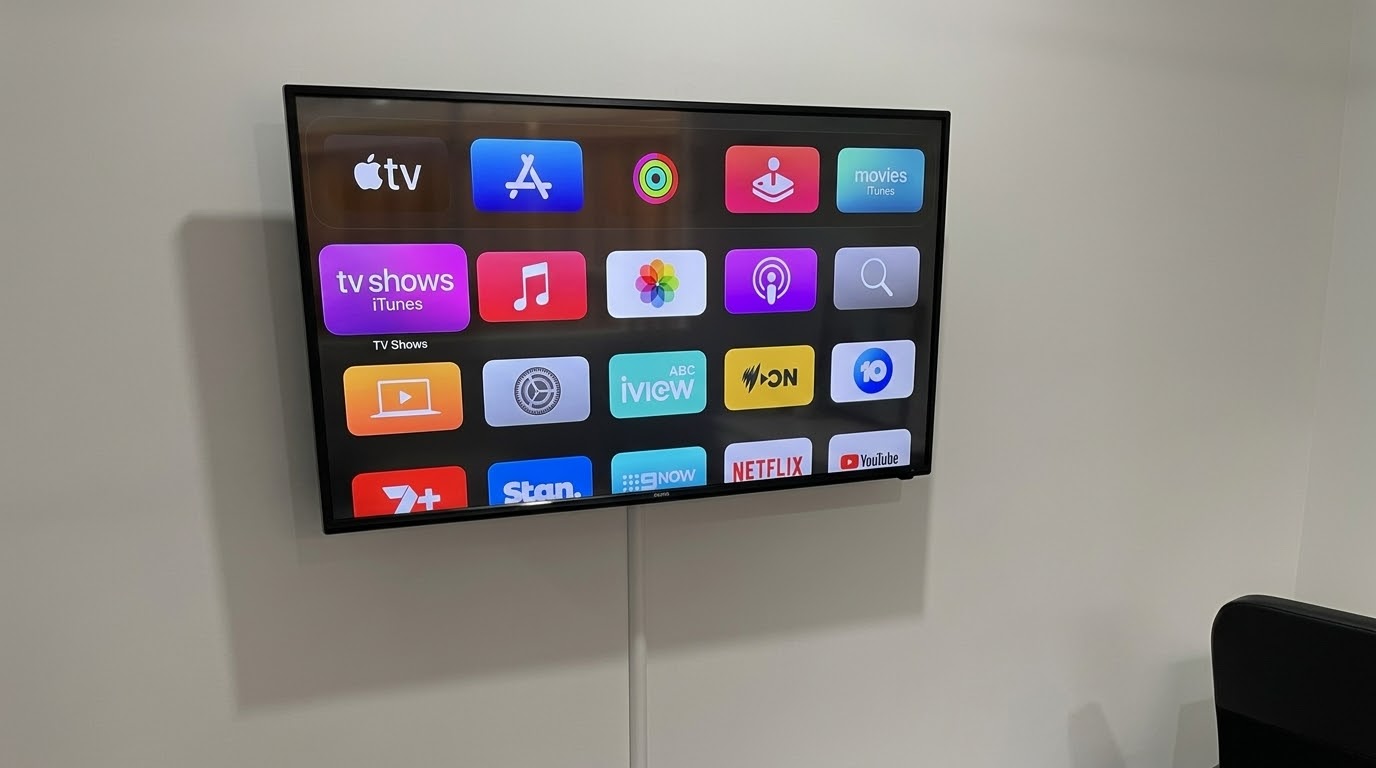
A slow smart TV is one of the most common problems I see on the Northern Beaches and North Shore. A TV that’s a few years old starts struggling. Apps take ages to open, the menus feel sluggish, or the wifi stops connecting reliably. Yet the picture itself is usually still perfectly fine. It’s the smart features inside that have worn out, not the screen.
Why an Older Smart TV Slows Down Before the Screen Does
The processor and memory that run a TV’s apps are usually fairly modest, even on a TV that looked premium when it was new. Over the years, app updates and software patches ask more and more of that hardware. Eventually, it just can’t keep up. Some apps also stop supporting older TV models altogether.
The wifi is often the first thing to go. In my experience, an older TV will still show a great picture from a Foxtel box or a games console. However, it can struggle to hold a stable connection for streaming apps.
Signs Your Slow Smart TV Needs a Streaming Box
A streaming box is likely to help if you notice any of these:
- Apps take a long time to open, or they crash.
- The menus lag when you press the remote.
- The wifi keeps dropping out, even though other devices in the room are fine.
- An app you use has stopped working or disappeared from the TV.
- The picture still looks great from Foxtel or a games console.
Fixing It With a Streaming Box Instead of a New TV
This is where I usually suggest adding a streaming box rather than replacing the TV. An Apple TV or a Google TV Streamer plugs into a spare HDMI port. It then runs its own apps, menus and wifi, separate from the TV’s. So if the TV’s own smarts are the problem, the box gets around them completely. The TV just becomes the screen.
It’s much cheaper than a new TV, and it often makes an older TV feel new again. You get fast menus, up-to-date apps and a connection that actually holds.
Is It the TV or Your Home Wifi?
Sometimes the TV isn’t the problem at all. If it’s a long way from the modem, the wifi signal may simply be weak by the time it gets there. In that case, a cable is the best fix. The Google TV Streamer has an Ethernet port, and so do the 128GB Apple TV 4K models, including the new one arriving in November. That means they can plug straight into the modem or a network point.
Where a cable isn’t practical, I usually recommend a mesh wifi system, like a Nest Wifi Pro. It spreads the signal around the house, so the TV gets a strong connection too.
Which Streaming Box Suits Your Northern Beaches Home?
All of them do the job well. The right pick usually comes down to what you already use around the house:
- Apple TV: the natural choice if you have an iPhone or iPad.
- Google TV Streamer: a good fit if you have an Android phone or Google Home speakers.
- Fire TV Stick: a budget option that plugs straight into the HDMI port, so there’s no box on the unit.
And if you already have a Foxtel iQ4 or iQ5, you may not need anything extra. The Foxtel box now has most of the streaming apps people want, and it’s fast and responsive.
When a New TV Makes More Sense
A streaming box can’t fix the screen itself. So if the picture is dim, has lines across it or won’t show from any source, it’s time for a new TV. The same goes if you simply want a bigger screen. Otherwise, it’s worth trying a streaming box first.
Help With a Slow Smart TV on the Northern Beaches or North Shore
Before you replace a slow smart TV, it’s worth checking whether a streaming box can fix it. I can set one up for you, connect it to your wifi or a cable, and sign you into all your apps. Get in touch through the contact page or send a message, and I’ll take a look.