

HDMI means High-Definition Multimedia Interface, is a compact all in one video and audio
 cable which can transfer uncompressed video and audio data. HDMI replaces the old analog cables. HDMI cables are capable of transmitting any TV or PC video format, including high definition and 3D signals. Almost all TV’s come with several HDMI connections on the back these days, same with most components that need to plugged into your new flat screen TV (eg DVD players, Blu-ray, Foxtel, video cameras etc)
There are a lot of versions these days (v1.3, 1.3c, 1.4, 1.4c). As you can see there are lots of versions available and as you can imagine the latest version out is going to be the most expensive but not really a necessity.
Due to the confusion with the above naming, the HDMI Licensing Organisation have changed the names of of the HDMI cables to lessen the confusion.
The new names are:
- High Speed with Ethernet

- High Speed
- Standard with Ethernet
- Standard Automotive
But do we actually need the lastest and greatest? For most people who are connecting a blu-ray player to their plasma screen tv the “high speed” will be sufficient. A High Speed HDMI cable will even transmit 3D from your blu-ray player, but a “standard” HDMI cable is not capable of transmitting 3D.
Call Peter from “That TV Guy” on 0401 202 087.
Call 0401 202 087 Send an Email Online Enquiry
TV Advice and Tips
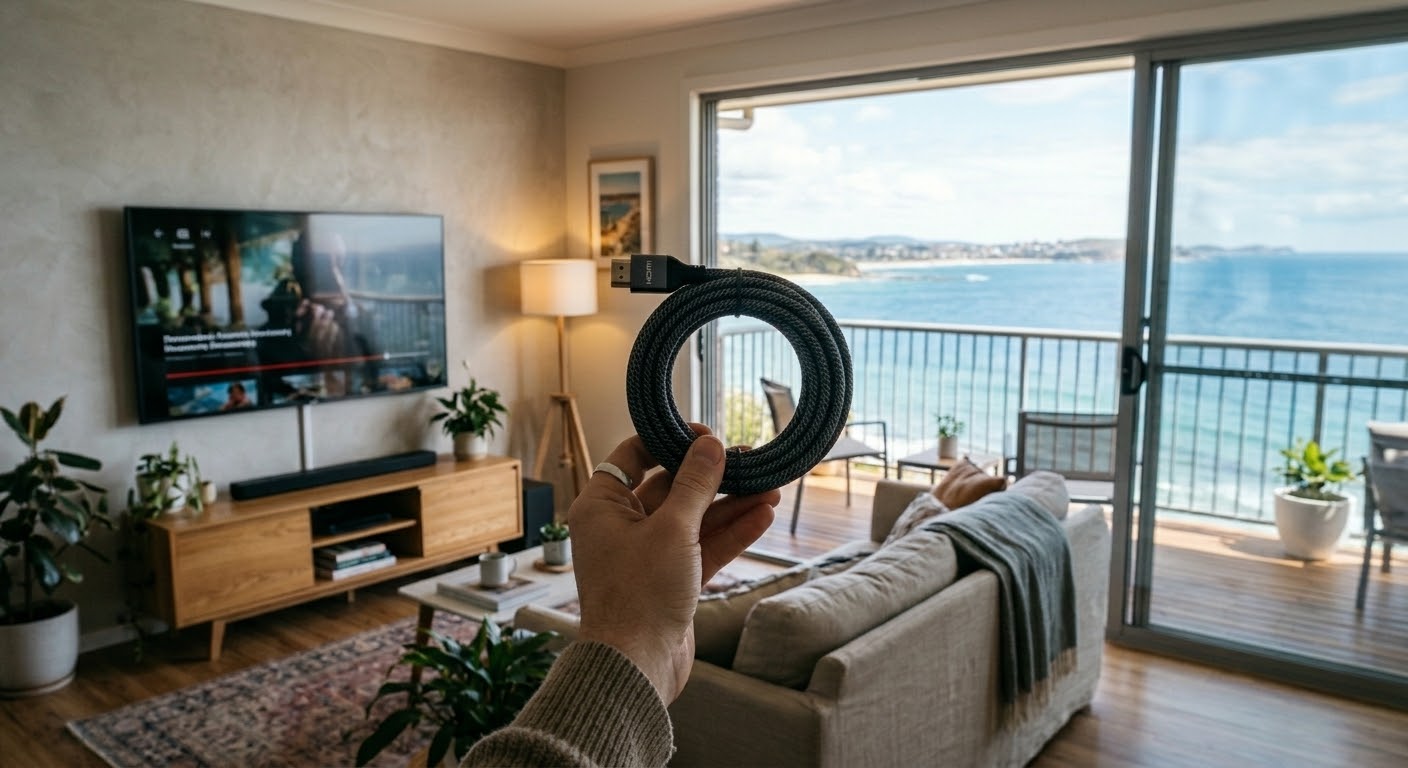
Do You Need Expensive HDMI Cables? A Northern Beaches TV Installer Explains
Do you need expensive HDMI cables? For most homes, the honest answer is no. I’ve been connecting TVs across the Northern Beaches and North Shore since 2002. And the cables I carry in my car are nothing fancy. Here’s what actually matters when you buy one, and what’s just marketing. Why Expensive HDMI Cables Don’t […]
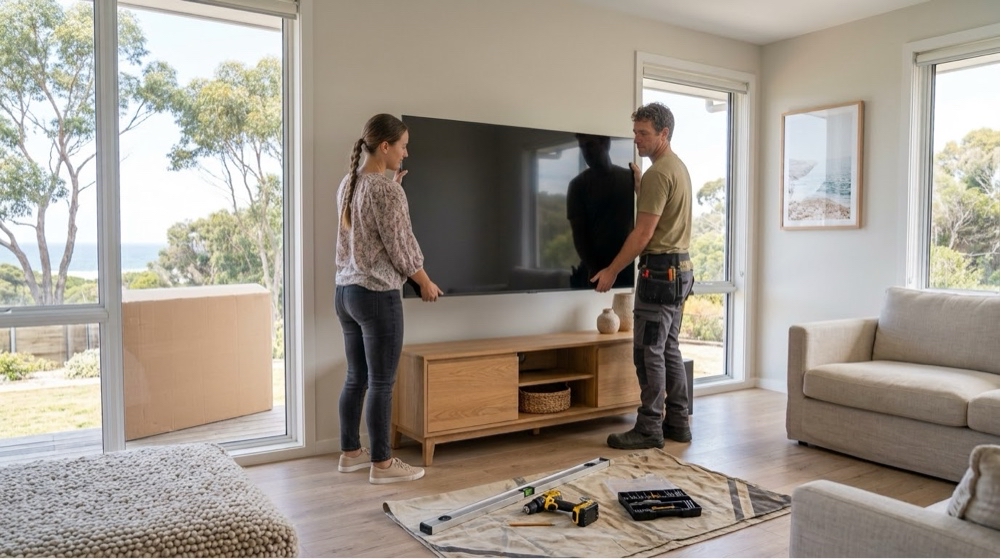
What to Have Ready Before Your TV Installer Arrives: A Northern Beaches Checklist
A little preparation makes a real difference to installation day. The job goes quicker, there’s less moving things around, and you’re watching your TV sooner. Here’s what to have ready before your TV installer arrives, based on what I ask my customers on the Northern Beaches and North Shore. Send Me a Few Photos When […]
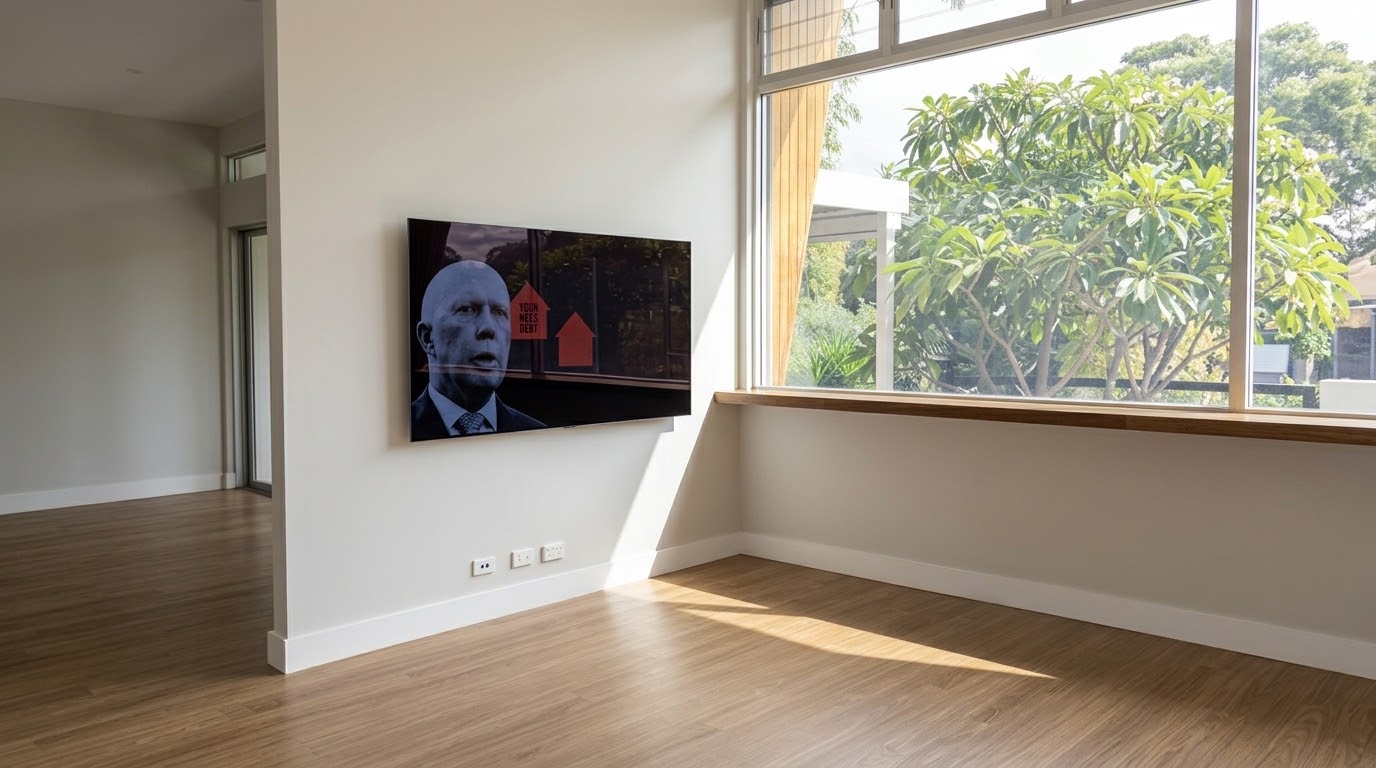
TV Wall Mounting Height in Castle Cove, North Shore: Getting It Right Before the Furniture Arrives
Getting the TV mounting height right is one of the most important parts of any wall mount. I recently mounted a 65-inch Samsung for a returning customer in Castle Cove, on the North Shore. It was a brand new home, and they hadn’t moved their furniture in yet. Normally I’d wait for the TV cabinet […]
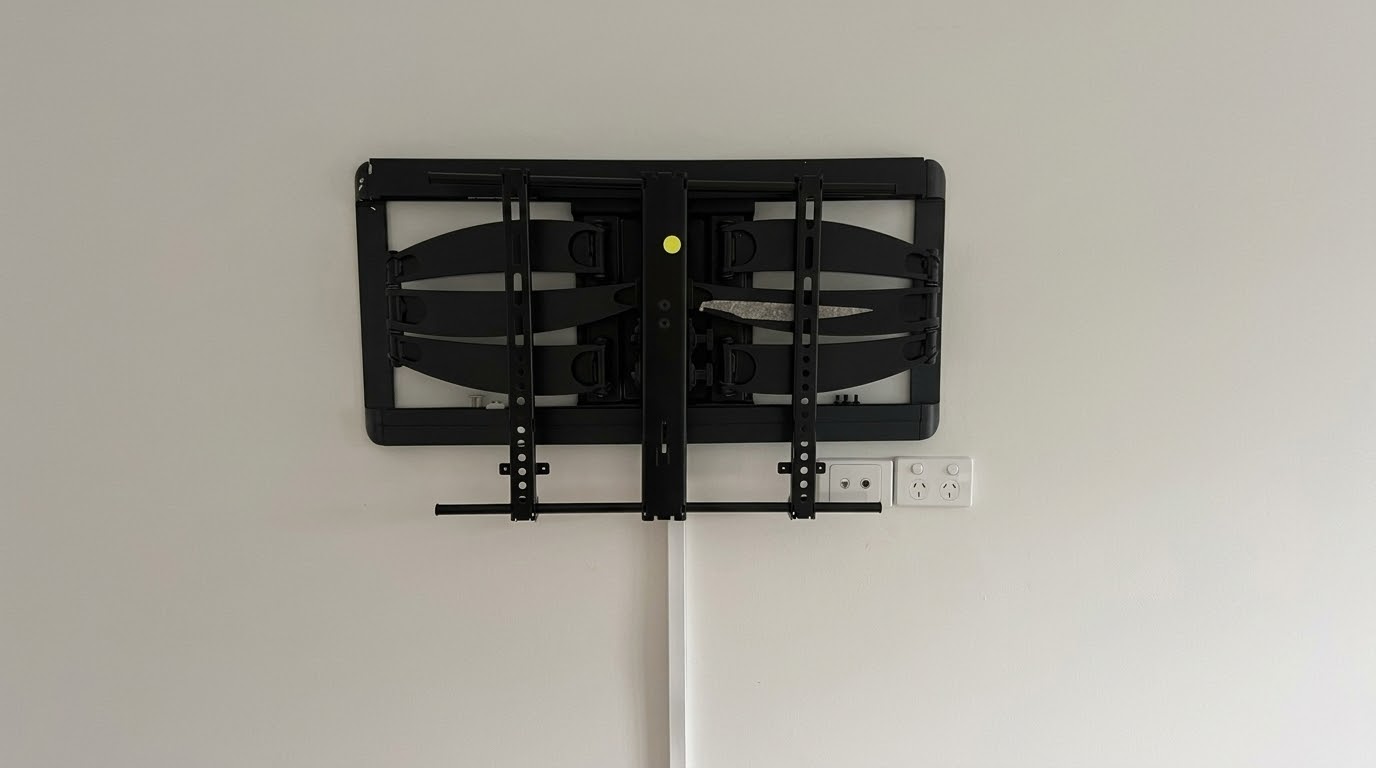
Moving Out? Should You Leave Your TV Wall Mount or Remove It? A Northern Beaches Guide
When people move out, one question comes up a lot: should you leave your TV wall mount on the wall, or take it off? The answer usually comes down to one thing. Do you want to patch and paint the wall afterwards, or not? Why It’s Usually Easiest to Leave Your TV Wall Mount If […]
Apple TV vs Google TV Streamer vs Fire TV Stick: Which Should You Buy?
If your TV’s picture is still sharp but the apps are buffering, freezing or taking forever to load, plugging in a dedicated streaming device is usually the most cost-effective fix. It runs its own apps and its own wifi connection, so the TV’s slow built-in processor stops being the problem. The three main options are […]
Why I Recommend Nest Wifi Pro for Patchy Internet on the Northern Beaches and North Shore
A lot of the TV and streaming problems I get called out for on the Northern Beaches and North Shore aren’t TV problems at all. They’re wifi problems. A TV at the back of the house, upstairs or on a different level to the modem is often too far from a single router to get […]