

HDMI means High-Definition Multimedia Interface, is a compact all in one video and audio
 cable which can transfer uncompressed video and audio data. HDMI replaces the old analog cables. HDMI cables are capable of transmitting any TV or PC video format, including high definition and 3D signals. Almost all TV’s come with several HDMI connections on the back these days, same with most components that need to plugged into your new flat screen TV (eg DVD players, Blu-ray, Foxtel, video cameras etc)
There are a lot of versions these days (v1.3, 1.3c, 1.4, 1.4c). As you can see there are lots of versions available and as you can imagine the latest version out is going to be the most expensive but not really a necessity.
Due to the confusion with the above naming, the HDMI Licensing Organisation have changed the names of of the HDMI cables to lessen the confusion.
The new names are:
- High Speed with Ethernet

- High Speed
- Standard with Ethernet
- Standard Automotive
But do we actually need the lastest and greatest? For most people who are connecting a blu-ray player to their plasma screen tv the “high speed” will be sufficient. A High Speed HDMI cable will even transmit 3D from your blu-ray player, but a “standard” HDMI cable is not capable of transmitting 3D.
Call Peter from “That TV Guy” on 0401 202 087.
Call 0401 202 087 Send an Email Online Enquiry
TV Advice and Tips
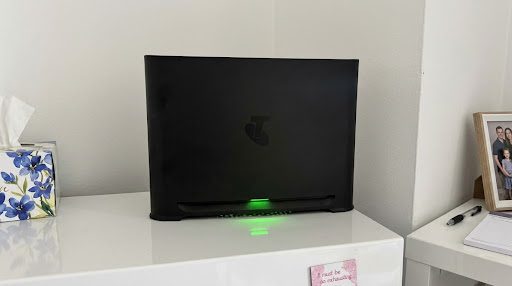
Samsung TV Can’t See Your Wi-Fi After a Telstra Smart Modem 4 Upgrade? Here’s the Fix
I had a call-out recently that’s worth sharing, because plenty of Telstra customers could run into the same thing. The customer had just switched to the new Telstra Smart Modem 4. Their phones and tablets connected straight away, but their 43-inch Samsung TV, a 2018 model, wouldn’t show the new Wi-Fi network at all. Oddly, […]
Fixing TV Wifi Dropouts in a Narrabeen Retirement Village, Northern Beaches
TV wifi dropouts can drive you mad, especially when they always seem to happen at the worst moment. A resident in a retirement village in Narrabeen, on the Northern Beaches, called me recently because her TV kept cutting out mid-show. The first thing I checked was the TV itself, but that wasn’t the problem. It […]
How Long Does a TV Installation Take? A Northern Beaches and North Shore Guide
One of the first questions people ask when they book is how long it’ll take. As a rough guide, the usual TV installation time for a wall mount, setup and a run-through of how everything works is about two hours. That might sound like a while for putting a TV on a wall, so here’s […]
How to Stop a TV Tipping Over: Safety Straps or Wall Mounting?
A TV on a cabinet looks steady enough, until a toddler grabs the edge to pull themselves up. Modern flat TVs sit on small stands, so it doesn’t take much to tip one forward. So here’s how to stop a TV tipping over, from someone who’s been mounting TVs across the Northern Beaches and North […]
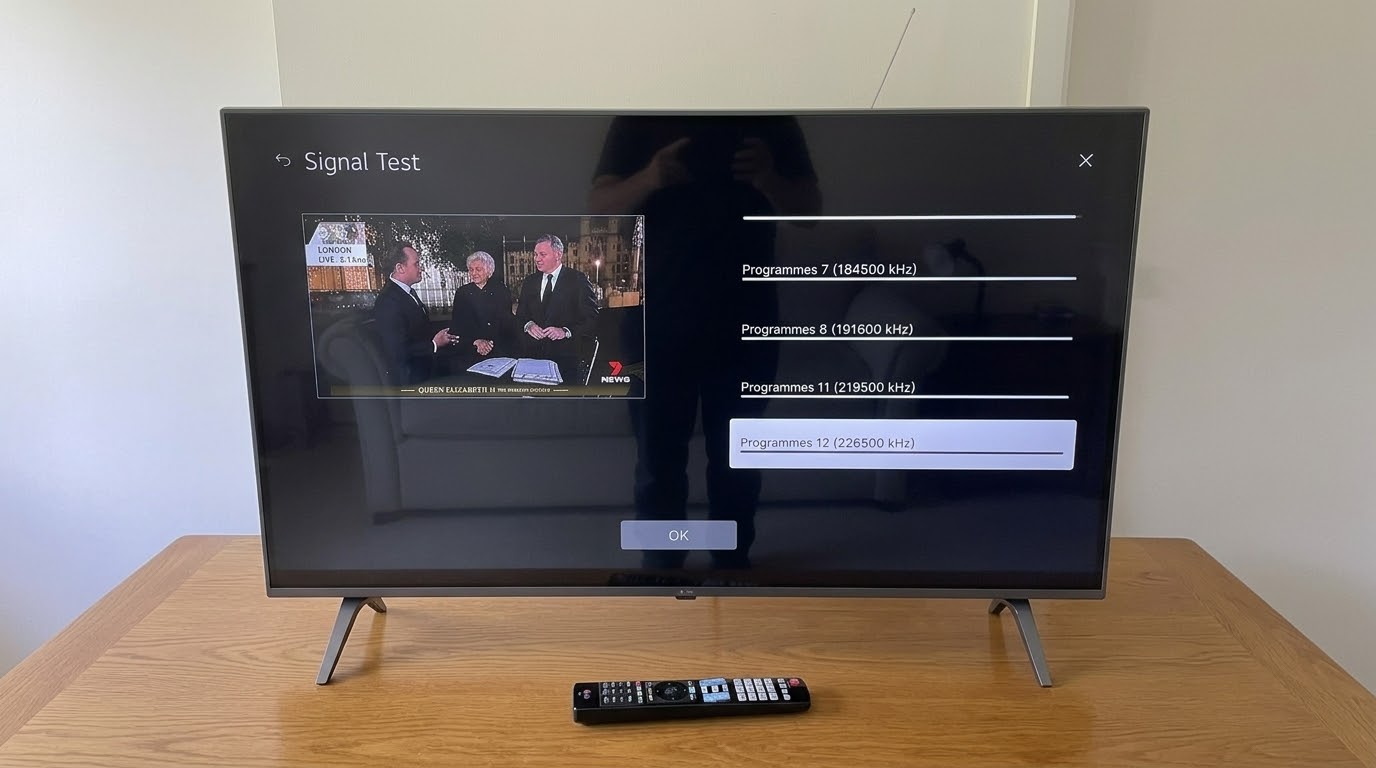
Checking Antenna Signal Strength During a TV Installation in Mosman, North Shore
Checking the antenna signal strength is one step I never skip on a new TV install. I set up a new LG TV in Mosman, on the North Shore, recently. Once the antenna was connected, I checked the signal on every channel before calling the job finished. It’s easy to skip, but it saves a […]
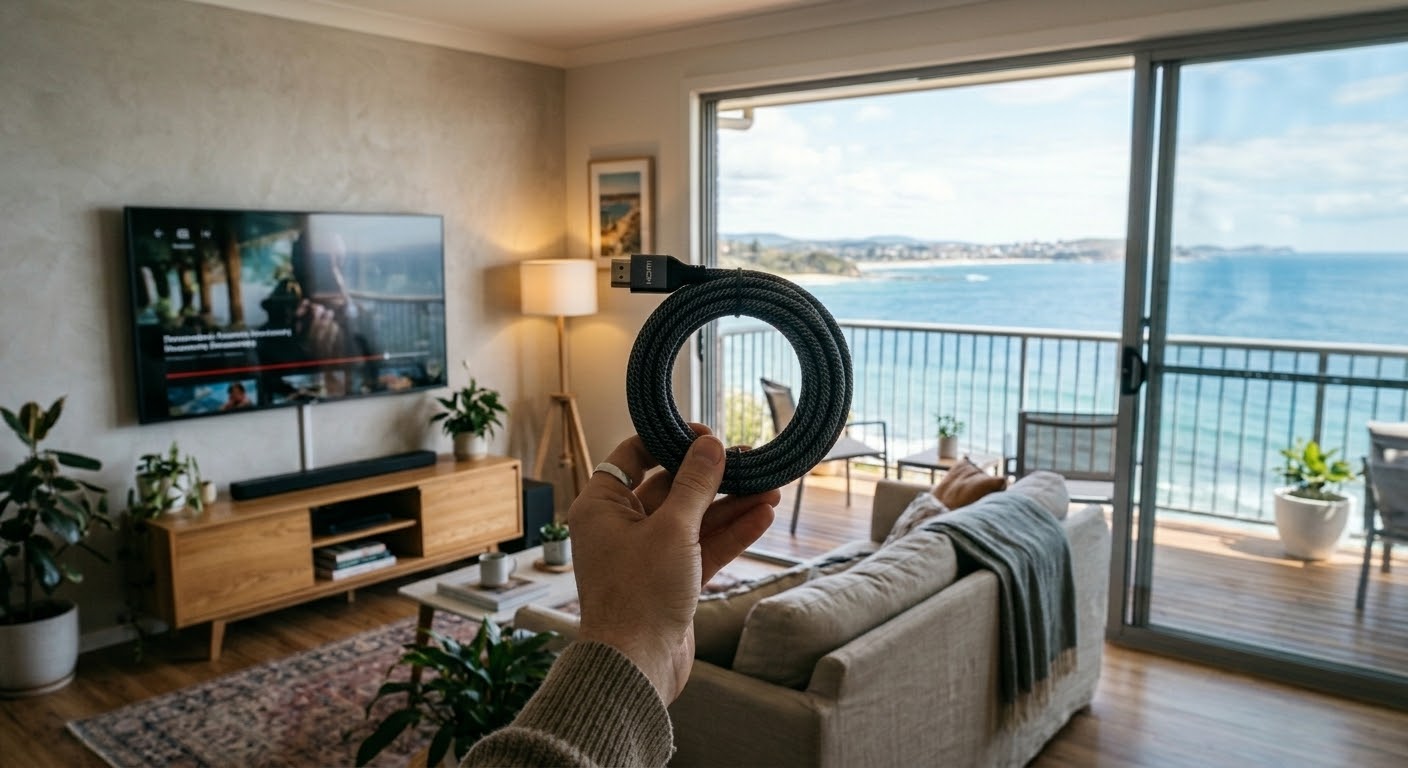
Do You Need Expensive HDMI Cables? A Northern Beaches TV Installer Explains
Do you need expensive HDMI cables? For most homes, the honest answer is no. I’ve been connecting TVs across the Northern Beaches and North Shore since 2002. And the cables I carry in my car are nothing fancy. Here’s what actually matters when you buy one, and what’s just marketing. Why Expensive HDMI Cables Don’t […]