
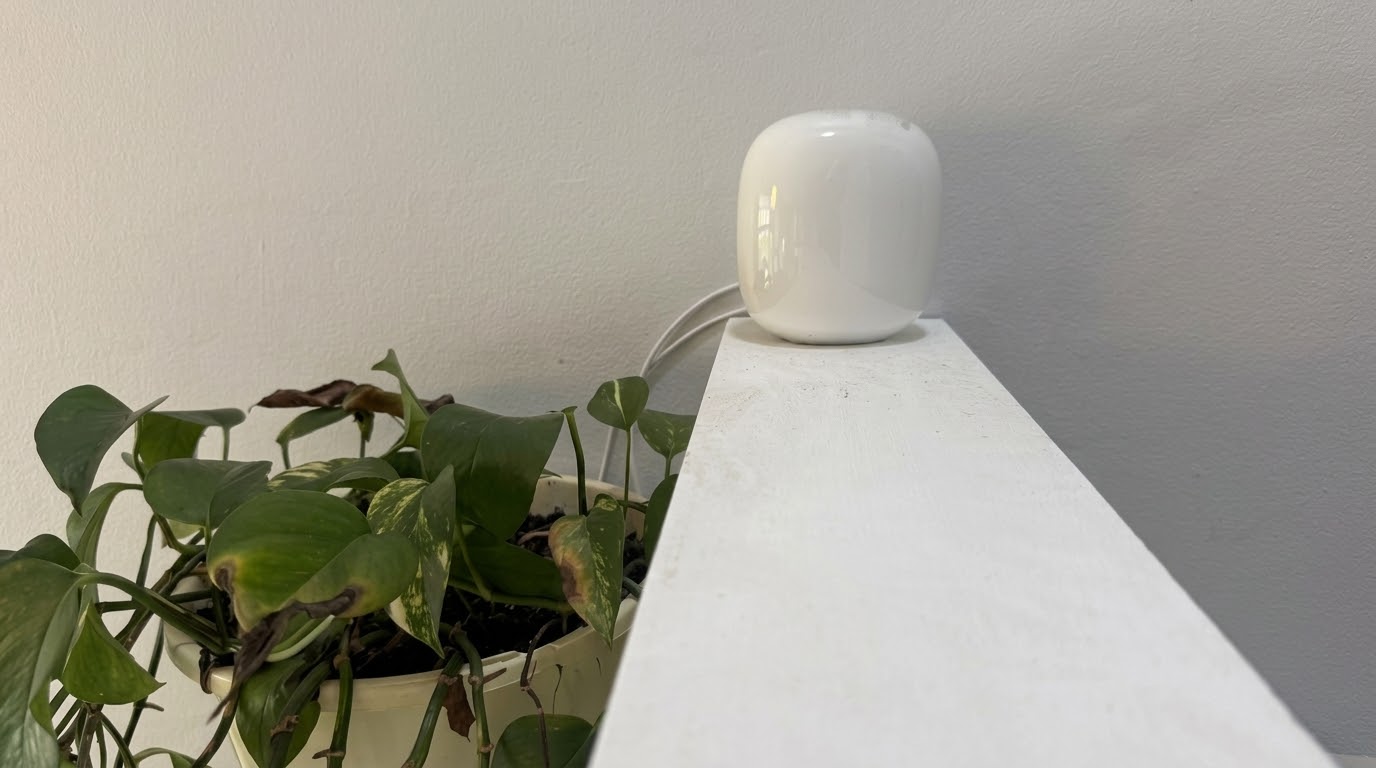
A lot of the TV and streaming problems I get called out for on the Northern Beaches and North Shore aren’t TV problems at all. They’re wifi problems.
A TV at the back of the house, upstairs or on a different level to the modem is often too far from a single router to get a reliable signal. Streaming apps are usually the first thing to show it, buffering or dropping out mid-show. That’s where a Nest Wifi Pro can help.
Why I Recommend the Nest Wifi Pro to Northern Beaches Customers
For most homes where this comes up, I point customers to a Nest Wifi Pro 3-pack. That’s enough to cover a typical house properly without paying for units you don’t need.
One unit plugs into the modem as the main router. The other two go around the house to extend the signal. That beats relying on one router to push wifi through walls and floors to every room.
Nest Wifi Pro Won’t Mix With Older Google Wifi
The Nest Wifi Pro replaced the older Google Wifi and original Nest Wifi. Google says the Nest Wifi Pro can’t be combined with earlier Nest Wifi or Google Wifi units in the same mesh. So if you’ve got an old point sitting around, it won’t join a new Nest Wifi Pro network.
How the Mesh Behaves Around the House
One thing that trips people up is expecting a mesh to work like a single router. With points spread around the house, your phone moves between them automatically as you walk around. Come in the front door and it connects to the closest point. Walk to the other end of the house and it quietly switches to whichever point has the strongest signal.
A TV or a Foxtel box works a bit differently, because it doesn’t move. It connects to whichever point is strongest where it sits, and it stays on that one. That’s why placement matters. If a TV is in a weak spot, the fix isn’t a different mesh system. It’s getting a point close enough to the TV in the first place.
Getting the Placement Right Matters as Much as the System
Buying the right mesh system is only half the job. Where you put the units matters just as much.
A common mistake is lining all three units up in a row down one side of the house. They work best spread out to cover the rooms you actually use. Each point should be close enough to talk to the next, but far enough apart to extend the coverage. nbn Co also has tips to improve your home internet set-up.
If the modem sits right next to the TV, a cable can be even simpler. And if the wifi is fine but the TV is still slow, the TV itself may be the problem. I’ve covered that in adding a streaming box to a slow TV.
Fix Wifi Dropouts on the Northern Beaches and North Shore
If you keep getting dropouts on a TV or streaming device in part of the house, it’s often a wifi coverage problem, not the TV. I can help work out whether a Nest Wifi Pro, a cable or something else is the right fix for your home. Get in touch through the contact page or send a message.