
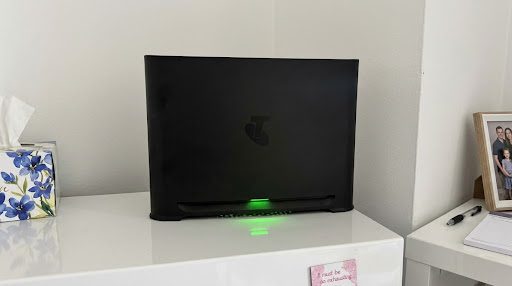
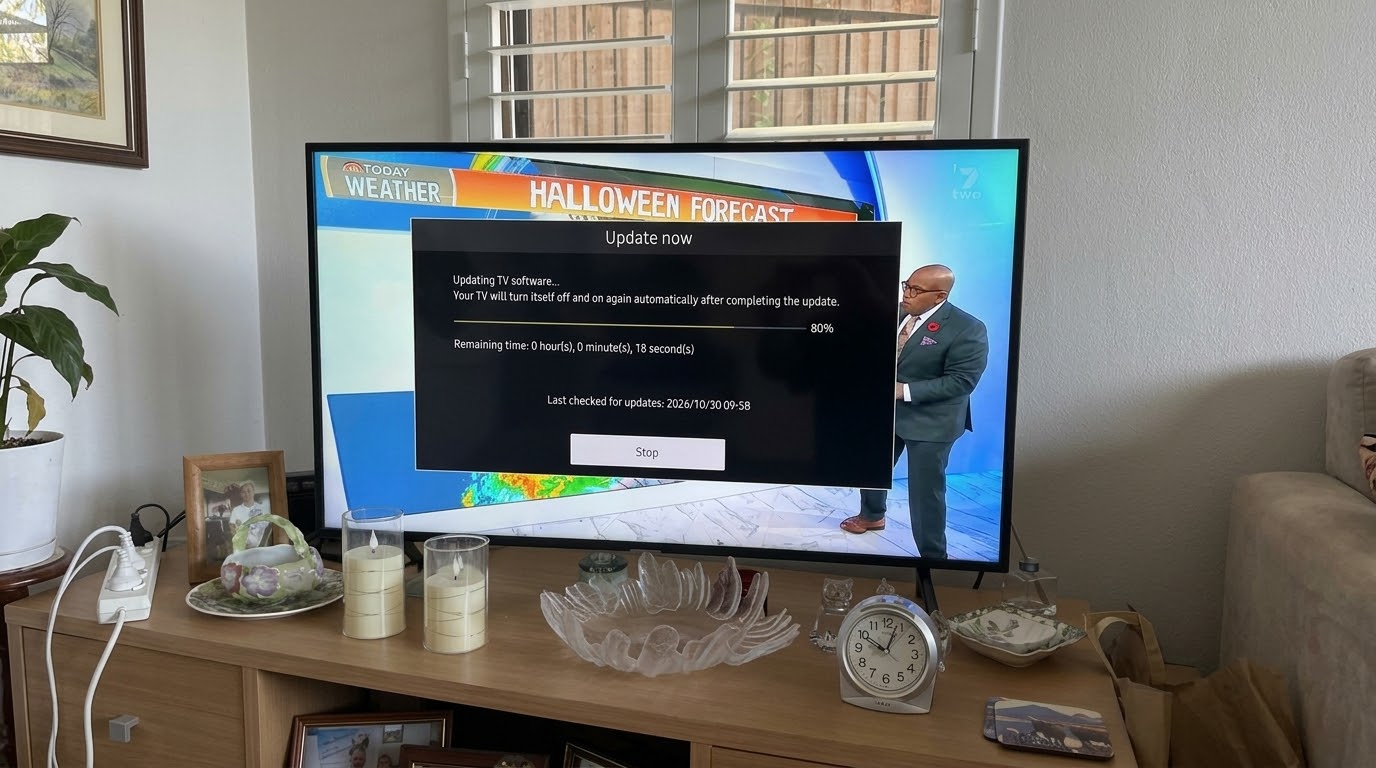
I had a call-out recently that’s worth sharing, because plenty of Telstra customers could run into the same thing. The customer had just switched to the new Telstra Smart Modem 4. Their phones and tablets connected straight away, but their 43-inch Samsung TV, a 2018 model, wouldn’t show the new Wi-Fi network at all. Oddly, the TV could see half the street’s networks, just not the one in the same house.
Why the TV Can’t See the Telstra Smart Modem 4
The Smart Modem 4 is Telstra’s first modem with Wi-Fi 7, and on this job it was set to Wi-Fi 7 out of the box. Most devices still connect without any trouble. However, some older Wi-Fi chips, including those in some smart TVs that are a few years old, don’t cope with it. When that happens, the network never shows up in the TV’s list.
Signs this is your problem:
- Your phone can see and join the Wi-Fi, but the TV can’t.
- The TV can see your neighbours’ networks, so its Wi-Fi isn’t faulty.
- The problem started when the new modem went in.
How to Fix It on the Telstra Smart Modem 4
The fix is a change in the modem’s settings, switching its Wi-Fi from Wi-Fi 7 to Wi-Fi 6. On this job, once I’d made the change, the TV found the network straight away and connected first time.
If you’re comfortable with modem settings, Telstra’s support page shows where to find it. Otherwise, I can sort it out for you, and check your TV, soundbar and streaming apps are all working while I’m there.
Will This Slow Your Internet Down?
For most homes, no. Wi-Fi 6 is still very fast. A lot of Wi-Fi 7’s extra speed comes from the newer 6GHz band, and the Smart Modem 4 only uses the 2.4GHz and 5GHz bands anyway. You do lose Wi-Fi 7 extras like Multi-Link Operation, but those only help if you have Wi-Fi 7 devices.
Things to Keep in Mind
- A factory reset puts the modem back to its default settings. So if the TV drops off again after a reset, the same setting needs changing again.
- Menus can change. Telstra updates the modem software automatically, so the settings on yours may look a little different.
- Once the TV is back online, check it for a software update too. Telstra suggests this for any device that has trouble connecting.
- If the TV connects but streaming is still slow, my post on fixing a slow smart TV may help.
TV Won’t Connect to Your New Modem on the Northern Beaches or North Shore?
If your TV, soundbar or streaming box won’t cooperate with a new Telstra Smart Modem 4, or any other modem, I can help. I’ve been setting up TVs across the Northern Beaches and North Shore since 2002, and I’ll get it connected and working. Get in touch through the contact page or send a message to book.