
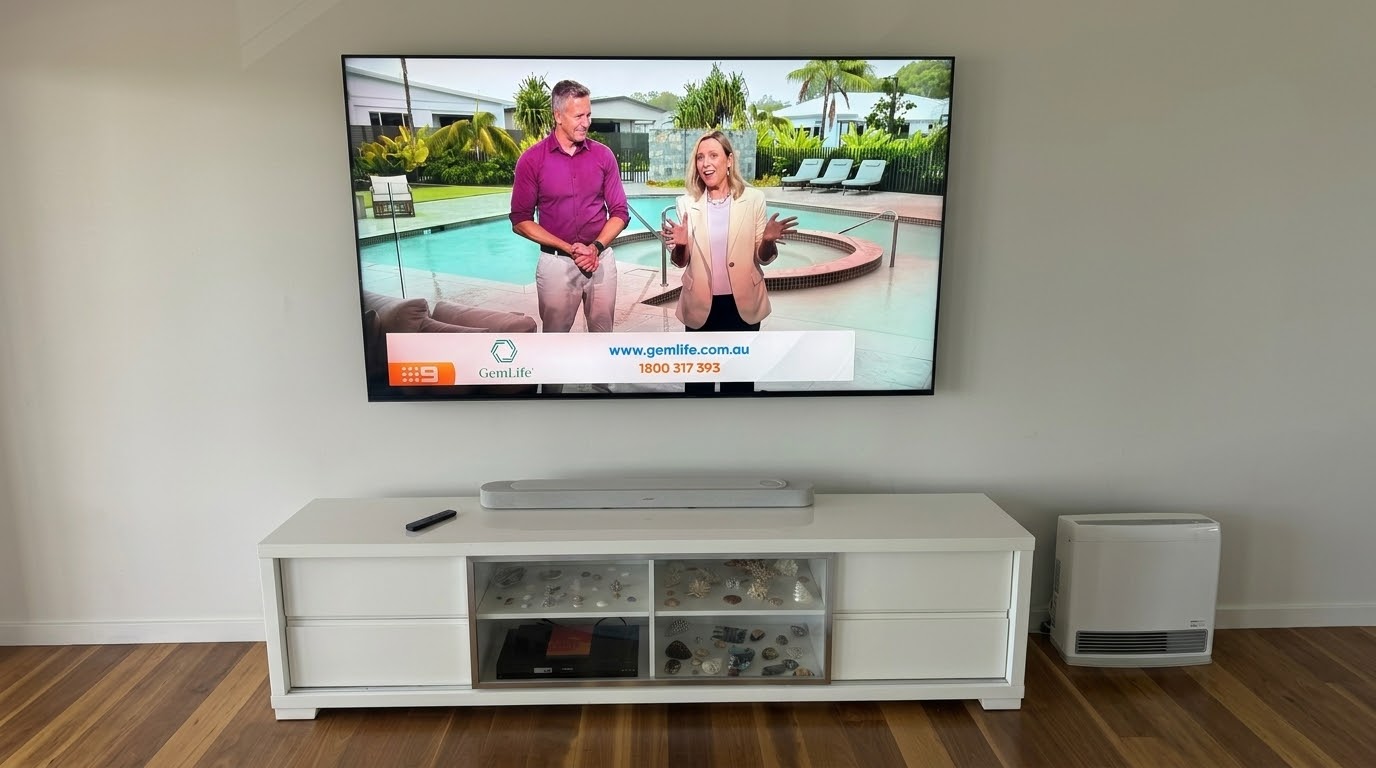
I got a call about a Sony Bravia TV setup in Newport, on the Northern Beaches. The customer had upgraded their old TV to a brand new 85-inch Sony Bravia, with a Bose soundbar to match. The store they bought them from had already installed both.
The TV was up on the wall and the soundbar sat underneath it. But the sound wouldn’t sync, and nobody had ever logged the TV into Google TV. It looked finished. It wasn’t.
What Went Wrong With This Sony Bravia TV Setup in Newport
When I got there, I worked through what had been missed. First, the soundbar was plugged into a normal HDMI input instead of the eARC port. That meant the TV had no way to send sound to it, so nothing would sync, no matter how many times they tried pairing it.
Second, the old set-top box from the previous TV was still doing all the work. Nobody had wanted to run a fresh antenna cable through the wall for the new TV.
On top of that, nobody had signed into Google TV. There was no Google account on it, none of the streaming apps the customer wanted, and none of the smart features doing anything useful.
Why Retail Installs Often Miss the Setup
None of this is unusual for a retail install. The team gets the TV on the wall and a picture showing, then they’re off to the next job. Finding the HDMI port that supports eARC, moving old gear across, or setting up a Google account and streaming apps usually isn’t part of a delivery-and-mount job.
Fixing the Sony Bravia and Bose Soundbar Properly
I went back to basics rather than patching around what was already there. With the customer’s help, I took the TV down off the wall to get proper access to the cabling. Then I ran a new antenna cable through the wall cavity, so the old set-top box could finally go. That freed up an HDMI input, which I used for the customer’s DVD player instead.
Next, I retuned the free-to-air channels on the Bravia itself. I set up a Google account for the customer, signed the TV into Google TV for the first time and loaded the streaming apps they’d asked for.
Last of all, I moved the soundbar’s HDMI lead across to the eARC port, as Sony recommends. The sound synced straight away, with no pairing dramas at all. In my experience, a TV and soundbar refuse to connect over eARC about one time in a hundred. When that happens, I fall back to an optical cable.
Book a Sony Bravia TV Setup in Newport or Across the Northern Beaches
Is your TV mounted but the soundbar won’t sync? Maybe the smart features have never been switched on, or you’re still running an old box you don’t need anymore. I can sort it properly. I handle TV wall mounting, setup and troubleshooting in Newport and across the Northern Beaches and North Shore.
Before I come out, have your wifi password and app logins ready. There’s a full list in what to have ready before your installer arrives. Then get in touch through the contact page or send a message to get your Sony Bravia TV setup booked in.