
When Walls Aren’t an Option — TV Stand Setup in a Newport Apartment
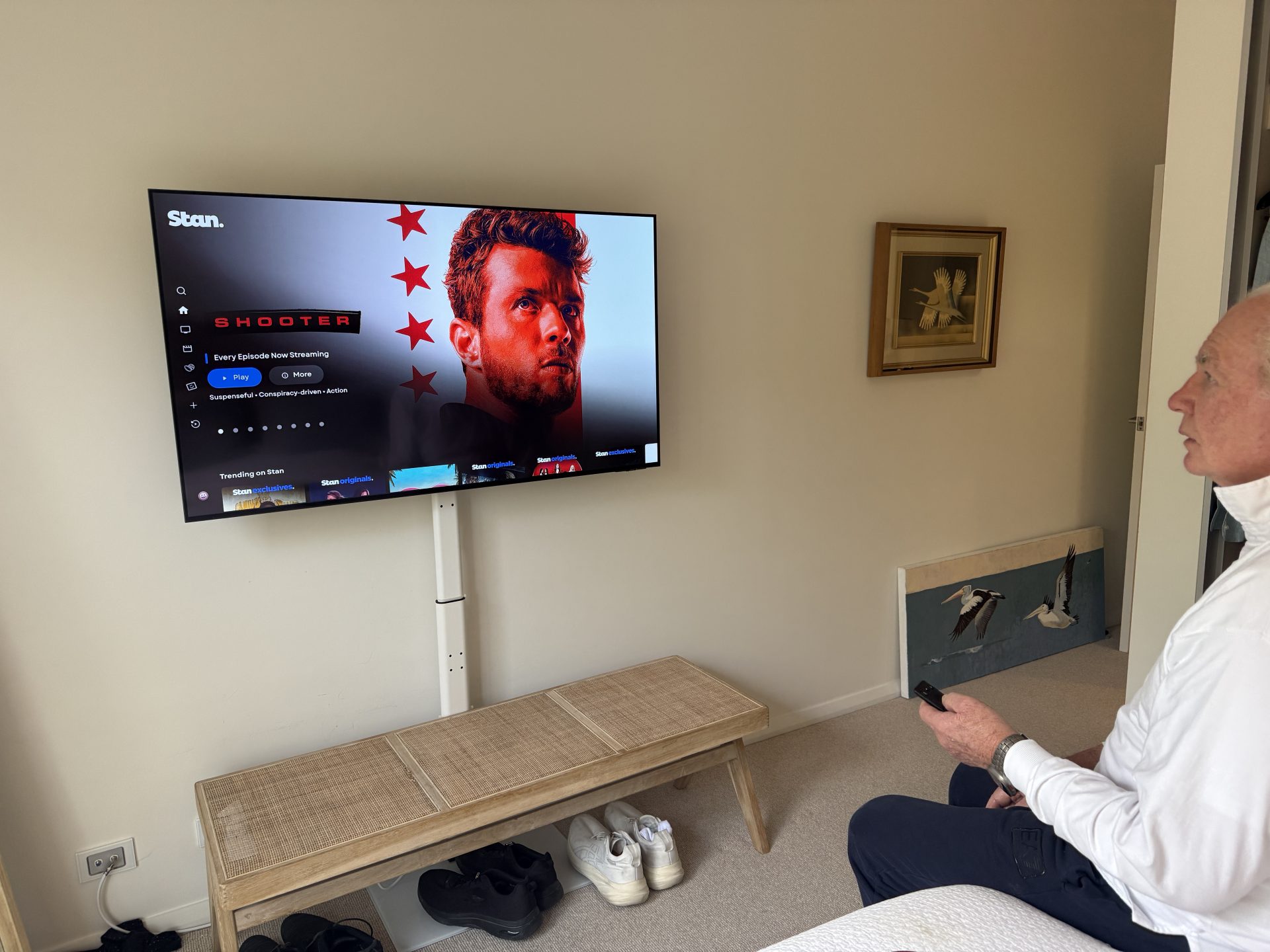
Not every TV install involves drilling into walls — and sometimes that’s exactly the right call. In this Newport apartment on the Northern Beaches, the customer had already purchased a brand-new floor stand and a 55-inch Samsung TV, and wanted both put together properly and ready to watch before I left.
The stand itself is a sleek white adjustable floor model with a glass base — the kind that looks the part in a modern apartment without touching a single wall. My job was to unbox it, assemble it correctly, and get the Samsung TV bolted on at the right viewing height. It sounds simple, but there are a few steps where things can go wrong if you’re not careful — particularly getting the TV arms aligned and the weight balanced properly on the post.
Once the stand was built and the TV was secured, it was straight into setup mode.
Samsung Account, Streaming Apps and Free-to-Air Channels — All Sorted in Newport
With the Samsung TV powered up and connected to the home Wi-Fi, I logged the customer into their Samsung account to activate Smart Hub and pull in their saved settings. From there, it was a matter of getting the streaming apps signed in and ready to go — Stan, Netflix, Prime Video and a few others, all set up and working.
The final step was running a channel scan to pull in all the free-to-air channels. Once that was done, the full lineup of Australian TV was sitting right there in the guide.
It’s the kind of job that feels straightforward but has a lot of moving parts — and getting every step done properly means the customer sits down, picks up the remote, and everything just works. No hunting through menus, no missing channels, no apps asking to be logged in again.
If you’ve just picked up a new TV — whether it’s going on a stand or up on the wall — I can take care of everything from assembly and setup to streaming and free-to-air. I cover all of Newport and the wider Northern Beaches area.
📞 Call or text Peter on 0401 202 087 to get your new TV sorted.