

If you’ve ever juggled three remotes just to watch TV, you’ll like this one. So what is HDMI-CEC? It’s a feature built into most TVs, soundbars and streaming boxes that lets them control each other through the HDMI cable. I set it up on jobs across the Northern Beaches and North Shore all the time. It’s often how a household goes from three remotes down to one.
What Is HDMI-CEC and What Does It Do?
HDMI-CEC stands for Consumer Electronics Control. It’s been part of the HDMI standard from the start. However, it’s up to each brand whether they switch it on and how well they make it work.
When it’s set up properly, HDMI-CEC can:
- Let your TV remote control the volume on your soundbar or amplifier.
- Turn your TV and soundbar on and off together.
- Switch the TV to the right input when you start playing something.
- Let you control an Apple TV, Blu-ray player or games console with the TV remote.
For example, press play on your Apple TV remote, and the TV wakes up and switches to the Apple TV input. Then turn the TV off, and the soundbar goes off with it.
HDMI-CEC Goes by Different Names
This is where most people get stuck. Every TV maker gives HDMI-CEC its own name, so the setting can be hard to find. Here are the names you’re most likely to see:
- Samsung: Anynet+
- LG: SimpLink
- Sony: BRAVIA Sync
- Panasonic: VIERA Link
- TCL: T-Link
- Hisense: CEC
- Philips: EasyLink
- Sharp: Aquos Link
- Toshiba: CE-Link or Regza Link
If your brand isn’t on the list, look for a setting with “CEC”, “Link” or “Sync” in the name.
How to Turn On HDMI-CEC
First, find the setting on your TV. It’s usually under general settings, external devices or connections. For example, on a 2025 or 2026 Samsung, it’s under General & Privacy, then External Device Manager. Turn it on there.
Next, check your other gear. Some soundbars, Foxtel boxes and streaming boxes need HDMI-CEC switched on in their own settings too. Also, plug your soundbar into the TV’s HDMI port marked eARC or ARC. That’s the port that sends the TV’s sound to the soundbar.
Finally, give everything a minute to find each other. If it doesn’t work straight away, turn everything off at the wall, wait a minute, then turn it all back on.
When It Doesn’t Behave
HDMI-CEC is handy, but it isn’t perfect. Because every brand does it a little differently, mixing brands doesn’t always work smoothly. For instance, a TV remote might change the soundbar volume but not turn it on.
Sometimes it can also be too helpful. A box might wake the TV up by itself, or keep switching it to the wrong input. In that case, turning HDMI-CEC off on that one device usually fixes it.
Every so often, a TV and soundbar just won’t connect properly over HDMI. When that happens, I connect them with an optical cable instead. You may lose some of the one-remote features, but the sound works reliably. Older soundbars, like the Sonos Playbar, only connect by optical anyway.
Getting Your Remotes Sorted on the Northern Beaches or North Shore
Most of the time, HDMI-CEC is just a few settings away from working. If you’d rather not dig through the menus, I can connect your TV, soundbar, Foxtel box and streaming box properly and get them working together. You’ll also find more on choosing the right cable in my HDMI cables guide.
Get in touch through the contact page or send a message to book, anywhere on the Northern Beaches or North Shore.
Call 0401 202 087 Send an Email Online Enquiry
TV Advice and Tips
Samsung TV Can’t See Your Wi-Fi After a Telstra Smart Modem 4 Upgrade? Here’s the Fix
I had a call-out recently that’s worth sharing, because plenty of Telstra customers could run into the same thing. The customer had just switched to the new Telstra Smart Modem 4. Their phones and tablets connected straight away, but their 43-inch Samsung TV, a 2018 model, wouldn’t show the new Wi-Fi network at all. Oddly, […]
Fixing TV Wifi Dropouts in a Narrabeen Retirement Village, Northern Beaches
TV wifi dropouts can drive you mad, especially when they always seem to happen at the worst moment. A resident in a retirement village in Narrabeen, on the Northern Beaches, called me recently because her TV kept cutting out mid-show. The first thing I checked was the TV itself, but that wasn’t the problem. It […]
How Long Does a TV Installation Take? A Northern Beaches and North Shore Guide
One of the first questions people ask when they book is how long it’ll take. As a rough guide, the usual TV installation time for a wall mount, setup and a run-through of how everything works is about two hours. That might sound like a while for putting a TV on a wall, so here’s […]
How to Stop a TV Tipping Over: Safety Straps or Wall Mounting?
A TV on a cabinet looks steady enough, until a toddler grabs the edge to pull themselves up. Modern flat TVs sit on small stands, so it doesn’t take much to tip one forward. So here’s how to stop a TV tipping over, from someone who’s been mounting TVs across the Northern Beaches and North […]
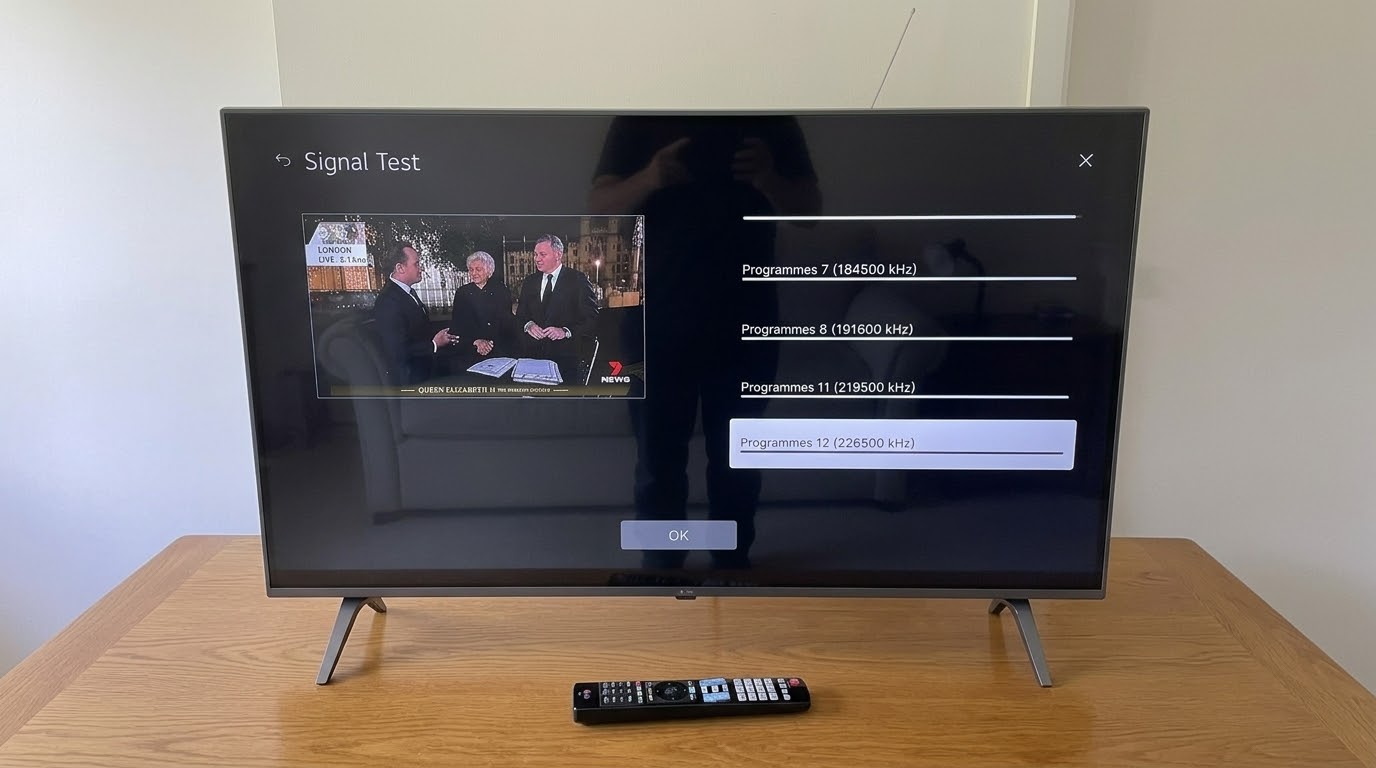
Checking Antenna Signal Strength During a TV Installation in Mosman, North Shore
Checking the antenna signal strength is one step I never skip on a new TV install. I set up a new LG TV in Mosman, on the North Shore, recently. Once the antenna was connected, I checked the signal on every channel before calling the job finished. It’s easy to skip, but it saves a […]
Do You Need Expensive HDMI Cables? A Northern Beaches TV Installer Explains
Do you need expensive HDMI cables? For most homes, the honest answer is no. I’ve been connecting TVs across the Northern Beaches and North Shore since 2002. And the cables I carry in my car are nothing fancy. Here’s what actually matters when you buy one, and what’s just marketing. Why Expensive HDMI Cables Don’t […]