
A TV on a cabinet looks steady enough, until a toddler grabs the edge to pull themselves up. Modern flat TVs sit on small stands, so it doesn’t take much to tip one forward. So here’s how to stop a TV tipping over, from someone who’s been mounting TVs across the Northern Beaches and North Shore since 2002.
Why Toppling TVs Are a Real Risk
This isn’t a rare problem. According to Product Safety Australia, toppling furniture has killed at least 28 people in Australia since 2000. It also causes nearly 20 injuries every week. Children under five are the most at risk, because they climb, pull and grab without knowing the danger.
Safety Straps or Wall Mounting?
There are two main ways to keep a TV from falling. You can secure it with safety straps, or you can mount it on the wall. Both work, as long as they’re done properly.
In my experience, wall mounting is by far the most common choice. Over the years, I’ve only fitted a handful of safety straps, for people who wanted to keep their TV on the unit.
How to Stop a TV Tipping Over With Safety Straps
If your TV stays on a unit, these steps make a big difference:
- Use the safety straps. Many TVs come with them, and new Sony TVs I’ve installed lately have had them in the box. If yours didn’t, you can buy anti-tip straps separately.
- Anchor the unit too. If you strap the TV to the cabinet, the cabinet also needs securing to the wall.
- Choose the right furniture. Use a low, sturdy unit made for a TV, not a chest of drawers.
- Keep the TV back from the edge, so little hands can’t easily reach it.
- Keep toys and remotes off the unit, so kids aren’t tempted to climb up for them.
Wall Mounting to Stop a TV Tipping Over for Good
The surest option is to take the TV off the furniture altogether. Once it’s on a bracket fixed properly into the wall, nobody can pull it forward. As a bonus, it frees up floor space and keeps the cables out of reach.
However, the fixing matters just as much as the bracket. On plasterboard, the bracket has to go into the timber studs, not just the plasterboard. On brick, it needs the right masonry fixings. The bracket’s rating also has to cover the TV’s weight. I’ve seen what happens when it’s not done properly, which I wrote about in why DIY TV mounting can end in disaster.
Don’t Forget the Furniture Around It
The TV isn’t the only thing that can fall. Tall bookshelves, chests of drawers and TV units can tip over too, especially when kids use the drawers as steps. Product Safety Australia suggests:
- Anchor tall furniture to the wall or floor.
- Keep the heaviest items in the bottom drawers and shelves.
- Fit locks on drawers, so children can’t climb them.
Renting? You Can Usually Still Secure Furniture
In NSW, securing furniture to a wall for safety is on the list of minor changes a landlord can’t unreasonably refuse. There are a few exceptions, such as tiled walls, heritage properties and some strata buildings. Wall mounting a TV isn’t specifically on that list, though. So for a TV bracket, ask your landlord or agent first.
Help to Stop a TV Tipping Over on the Northern Beaches or North Shore
Want your TV on the wall and out of reach? I can mount it properly into the studs or brickwork, hide the cables and set everything up. Or, if you’d rather keep it on the unit, I can fit safety straps instead. As a rough guide, a wall mount with setup takes about two hours.
Get in touch through the contact page or send a message to book, anywhere on the Northern Beaches or North Shore.
View wall mounting examplesTV Advice and Tips
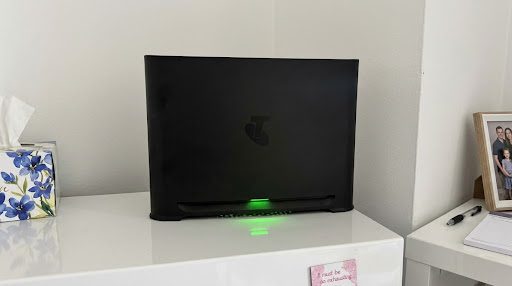
Samsung TV Can’t See Your Wi-Fi After a Telstra Smart Modem 4 Upgrade? Here’s the Fix
I had a call-out recently that’s worth sharing, because plenty of Telstra customers could run into the same thing. The customer had just switched to the new Telstra Smart Modem 4. Their phones and tablets connected straight away, but their 43-inch Samsung TV, a 2018 model, wouldn’t show the new Wi-Fi network at all. Oddly, […]
Fixing TV Wifi Dropouts in a Narrabeen Retirement Village, Northern Beaches
TV wifi dropouts can drive you mad, especially when they always seem to happen at the worst moment. A resident in a retirement village in Narrabeen, on the Northern Beaches, called me recently because her TV kept cutting out mid-show. The first thing I checked was the TV itself, but that wasn’t the problem. It […]
How Long Does a TV Installation Take? A Northern Beaches and North Shore Guide
One of the first questions people ask when they book is how long it’ll take. As a rough guide, the usual TV installation time for a wall mount, setup and a run-through of how everything works is about two hours. That might sound like a while for putting a TV on a wall, so here’s […]
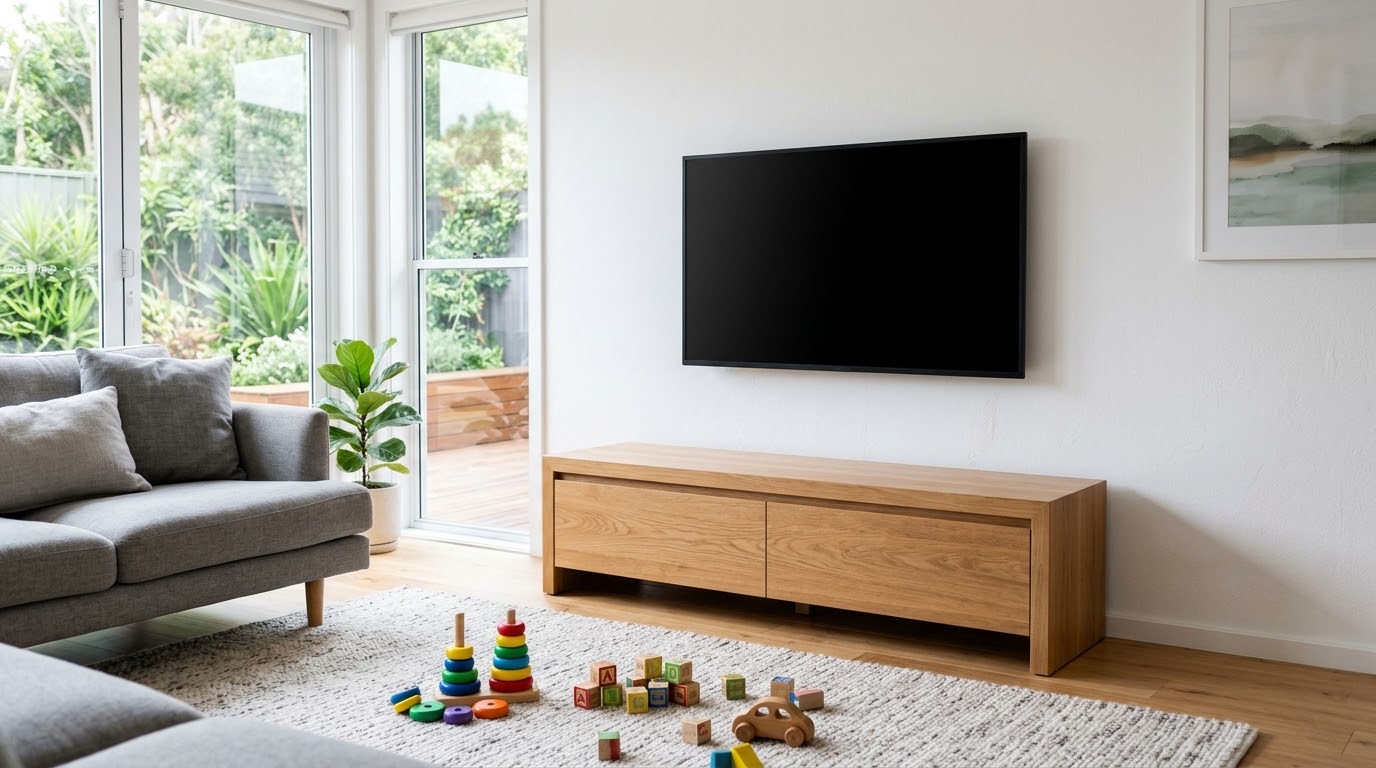
How to Stop a TV Tipping Over: Safety Straps or Wall Mounting?
A TV on a cabinet looks steady enough, until a toddler grabs the edge to pull themselves up. Modern flat TVs sit on small stands, so it doesn’t take much to tip one forward. So here’s how to stop a TV tipping over, from someone who’s been mounting TVs across the Northern Beaches and North […]
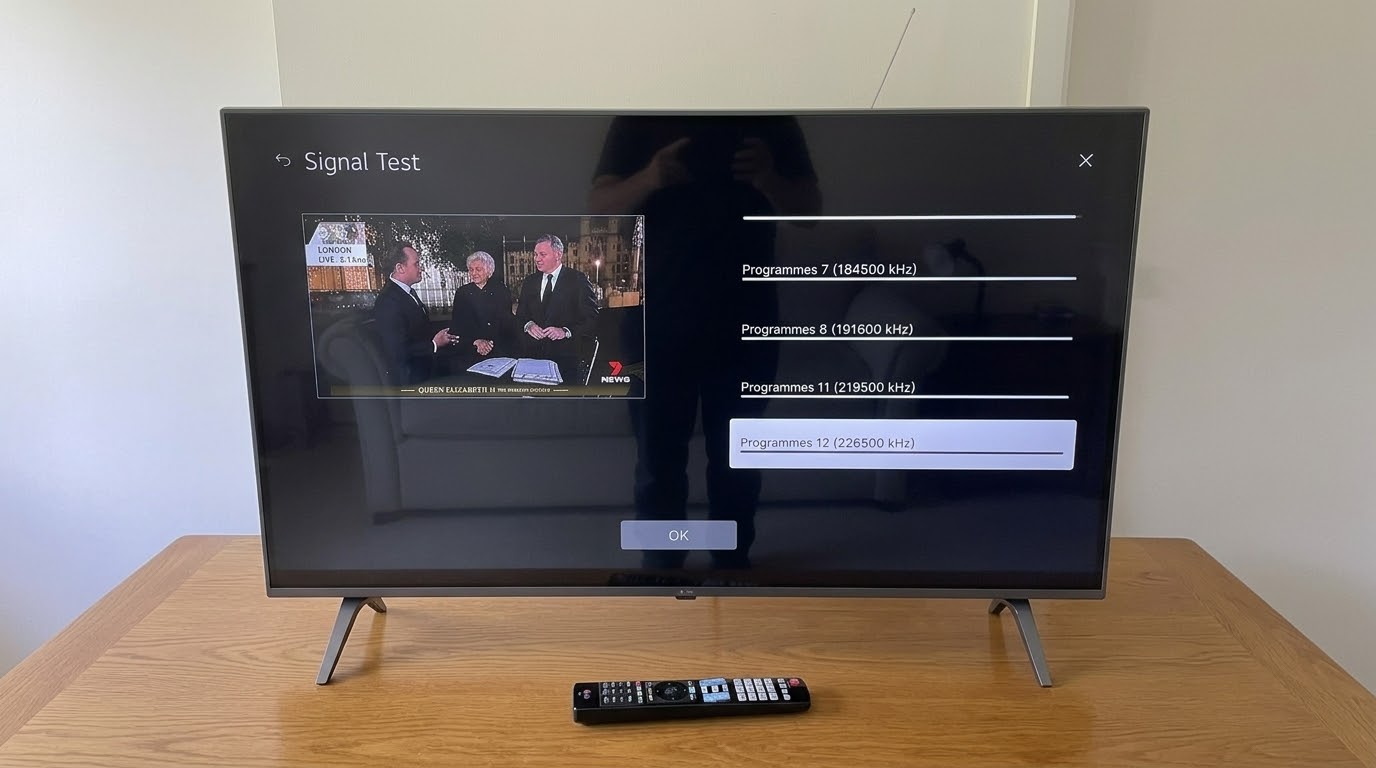
Checking Antenna Signal Strength During a TV Installation in Mosman, North Shore
Checking the antenna signal strength is one step I never skip on a new TV install. I set up a new LG TV in Mosman, on the North Shore, recently. Once the antenna was connected, I checked the signal on every channel before calling the job finished. It’s easy to skip, but it saves a […]
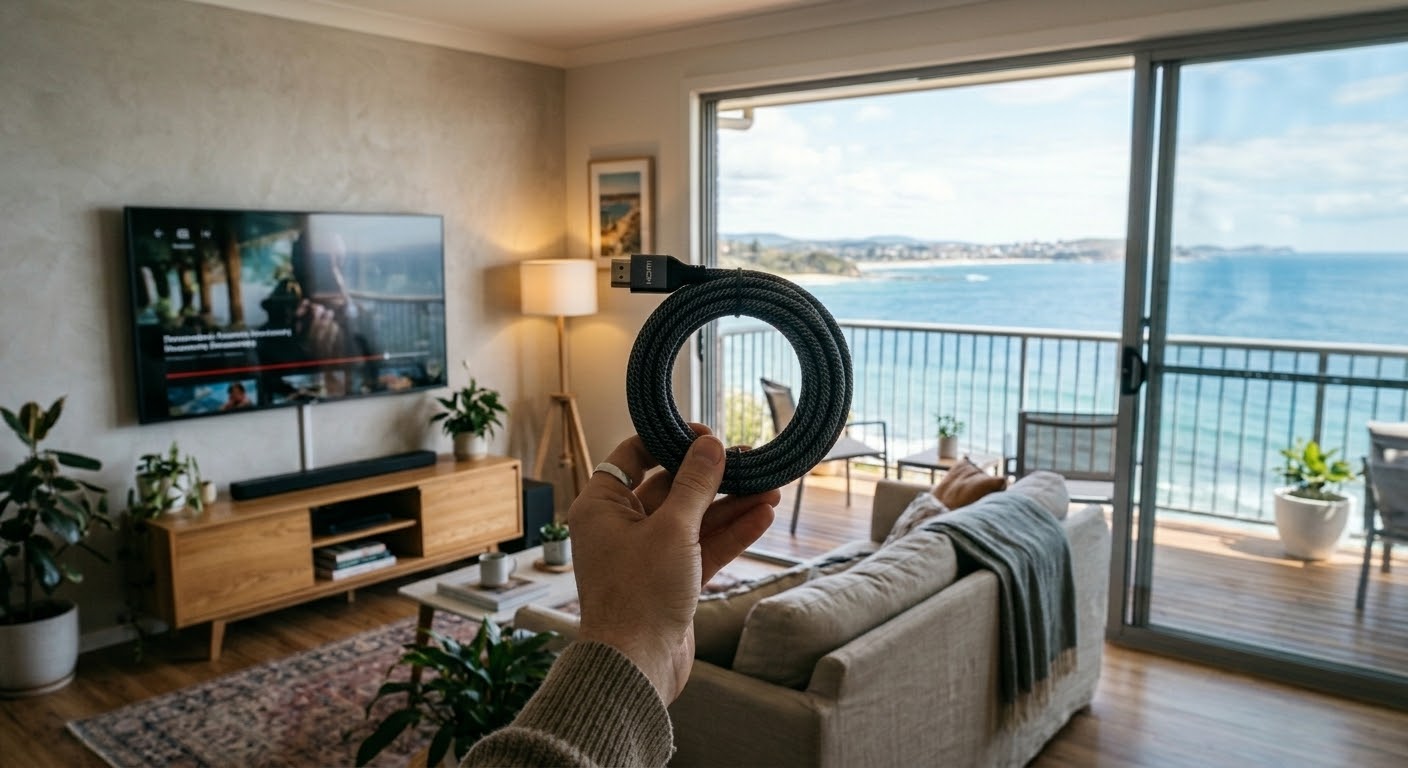
Do You Need Expensive HDMI Cables? A Northern Beaches TV Installer Explains
Do you need expensive HDMI cables? For most homes, the honest answer is no. I’ve been connecting TVs across the Northern Beaches and North Shore since 2002. And the cables I carry in my car are nothing fancy. Here’s what actually matters when you buy one, and what’s just marketing. Why Expensive HDMI Cables Don’t […]