
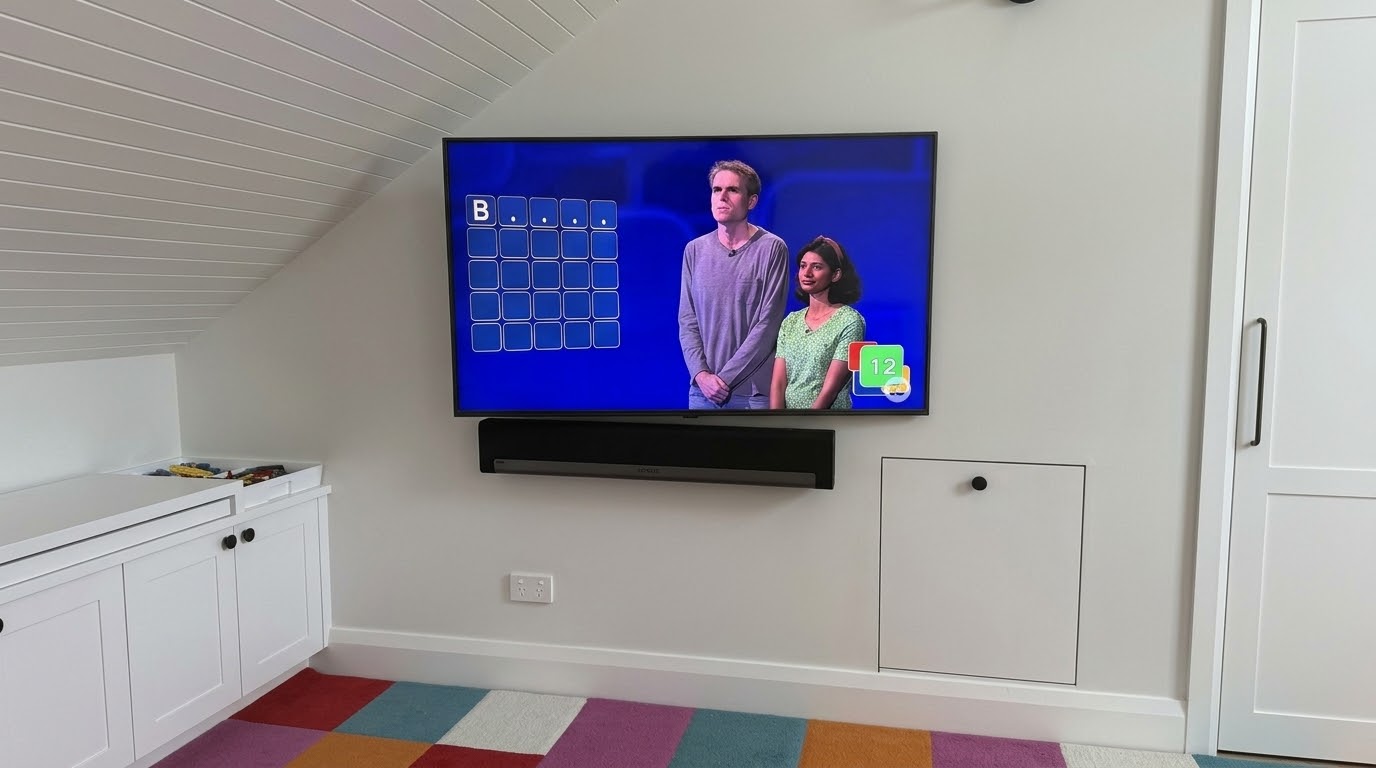
I was back in a home in Chatswood recently to replace a TV in the upstairs kids’ playroom — a fun little room tucked under the roofline, Lego bin in the corner and all. The old TV had died, so this job meant a new TV, a new bracket, and the whole setup done again from scratch, while keeping the family’s existing Sonos sound system working properly.
Fitting a New Swivel Bracket for the Replacement TV
Since the old TV was being replaced, I supplied and fitted a new swivel bracket to go with it, matched to the new Samsung’s VESA mounting pattern. Swivel brackets work well in a room like this, tucked under the roofline — the family can angle the screen toward wherever the kids are sitting or playing, rather than having it locked square to the wall.
Reconnecting an Older Sonos Playbar to a New TV
This is the bit that catches people out. The Playbar is an older Sonos model, and unlike the newer Beam or Arc, it connects over optical audio rather than HDMI-ARC. Plug a Playbar into an ARC port expecting it to just work and you’ll get a picture with no sound. I ran it back through the TV’s optical output, then had to re-pair the Playbar and reprogram the remote so volume and power worked properly through the new TV, since none of that carries over automatically from the old one.
Getting the New TV Fully Set Up: Wifi, Apps and Free-to-Air
Once the TV and sound were sorted, I connected it to the home wifi, signed back into the streaming apps, and ran a channel scan so free-to-air TV was tuned in and ready to go. For a kids’ playroom especially, it’s worth getting all of this right the first time so nobody’s stuck fiddling with settings later.
Book a TV Installation in Chatswood or Across the North Shore
I handle TV replacements, new bracket fitting and full setups across Chatswood and the wider North Shore, including tricky bits like reconnecting older sound systems to a new TV. If you’re upgrading a TV and want the bracket, sound, wifi, apps and free-to-air all sorted before I leave, give me a call or send a message to book it in.