
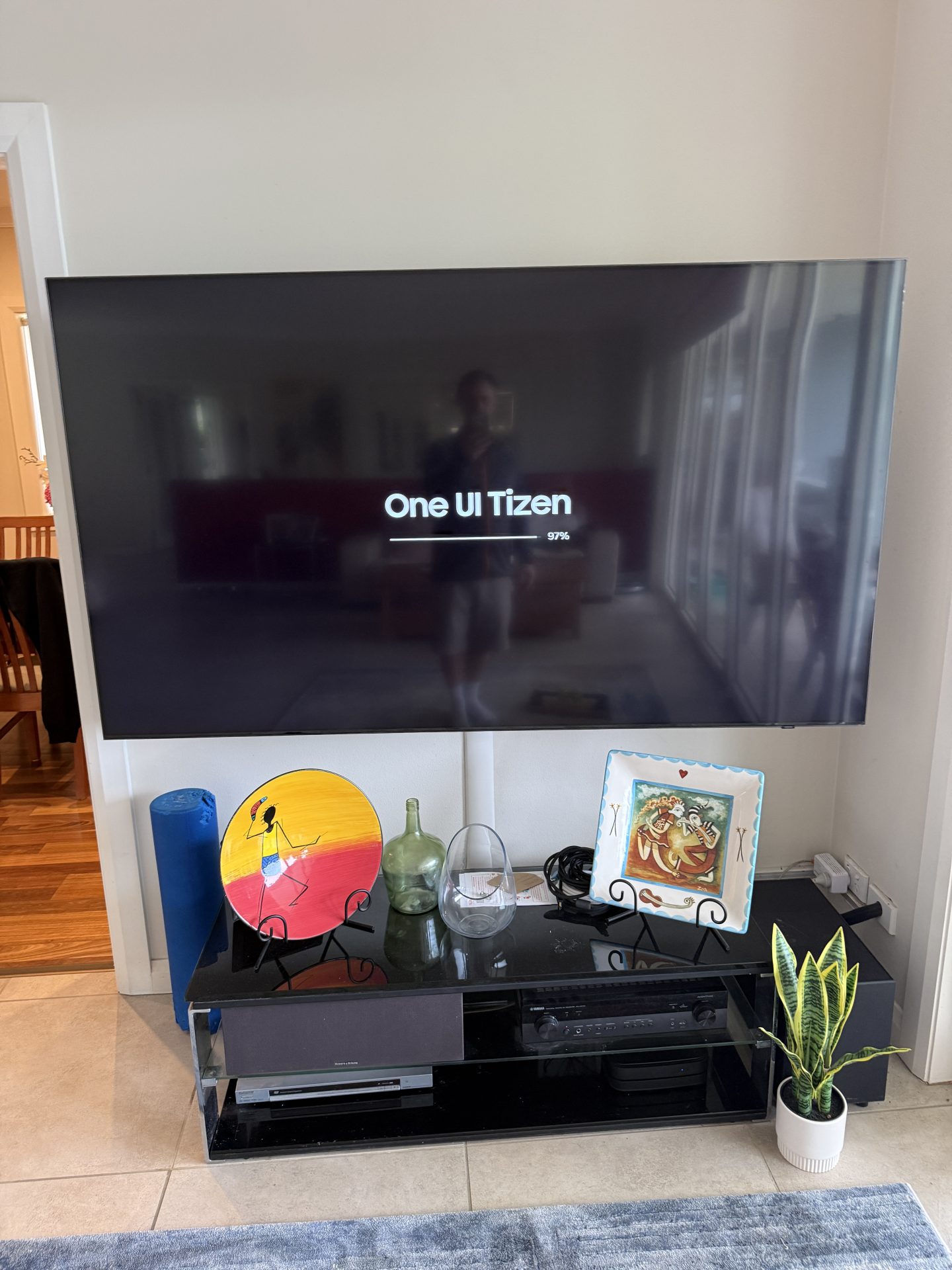
You turn your Samsung TV on, expecting to pick up where you left off with Netflix, Foxtel or whatever you were watching. Instead, you land straight in Samsung TV Plus. Sound familiar?
That’s exactly what happened to a customer in Mona Vale, on the Northern Beaches, recently. Their Samsung had quietly installed an automatic software update overnight. That update reset their startup setting, and the TV now opened Samsung TV Plus every single time it turned on.
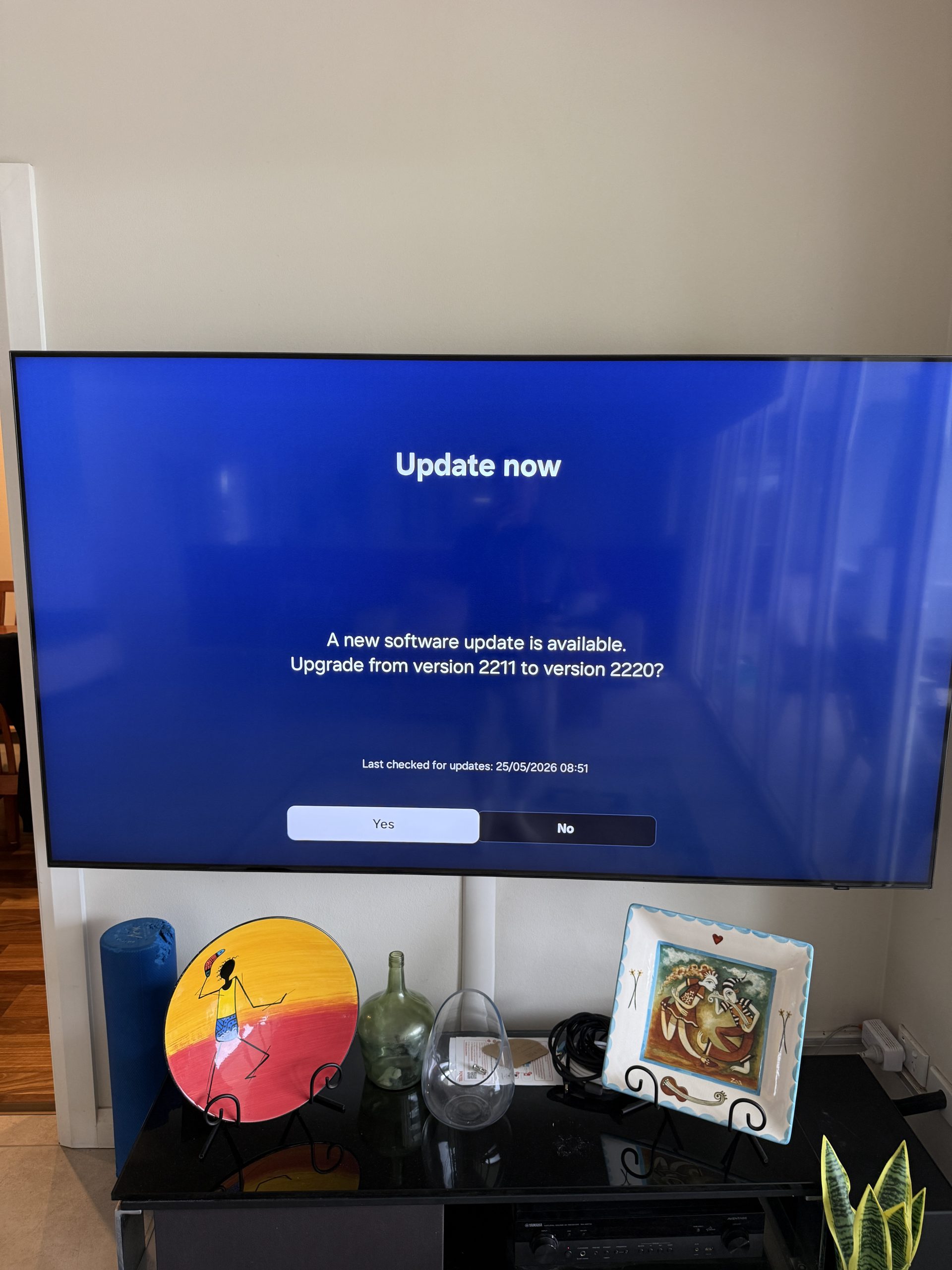
Why Your Samsung Suddenly Boots Into Samsung TV Plus
Samsung TV Plus is a free streaming service that comes built into Samsung smart TVs. The service itself isn’t the problem. The problem is that an automatic update can quietly reset your startup preferences without any warning. You’re back to square one the moment you switch the TV on.
In this case, the update wiped the customer’s own startup setting and put Samsung’s preferred default back. Conveniently for Samsung, that happens to be its own streaming platform.
Can You Remove Samsung TV Plus?
Not exactly. You can’t uninstall Samsung TV Plus, because it’s part of the TV’s software. But you can stop it opening on startup, and it’s a quick fix once you know where the setting is.
The tricky part is that Samsung moves these menu options around between models and updates. The steps that worked on your mate’s TV might not match what you’re seeing on yours. On recent Samsungs, the setting usually sits in Start Screen Options, and Samsung’s own guide shows where to find it on each model year.
Getting Your Samsung Back to Normal
Once I found and changed the right startup setting, the TV went back to what you’d expect. It turns on and picks up where you left off, with no uninvited detours through Samsung TV Plus.
Is your Samsung doing something unexpected after a recent software update? It could be startup behaviour, picture settings or anything else. Either way, it’s worth fixing properly rather than putting up with it. If your TV is also slow to open apps, a streaming box can help an older TV.
Book a Samsung TV Fix in Mona Vale or Across the Northern Beaches
Is Samsung TV Plus taking over your TV after an update? I fix smart TV problems in Mona Vale, Warriewood, Narrabeen, Dee Why and right across the Northern Beaches and North Shore. Get in touch through the contact page or send a message and I’ll sort it out.