
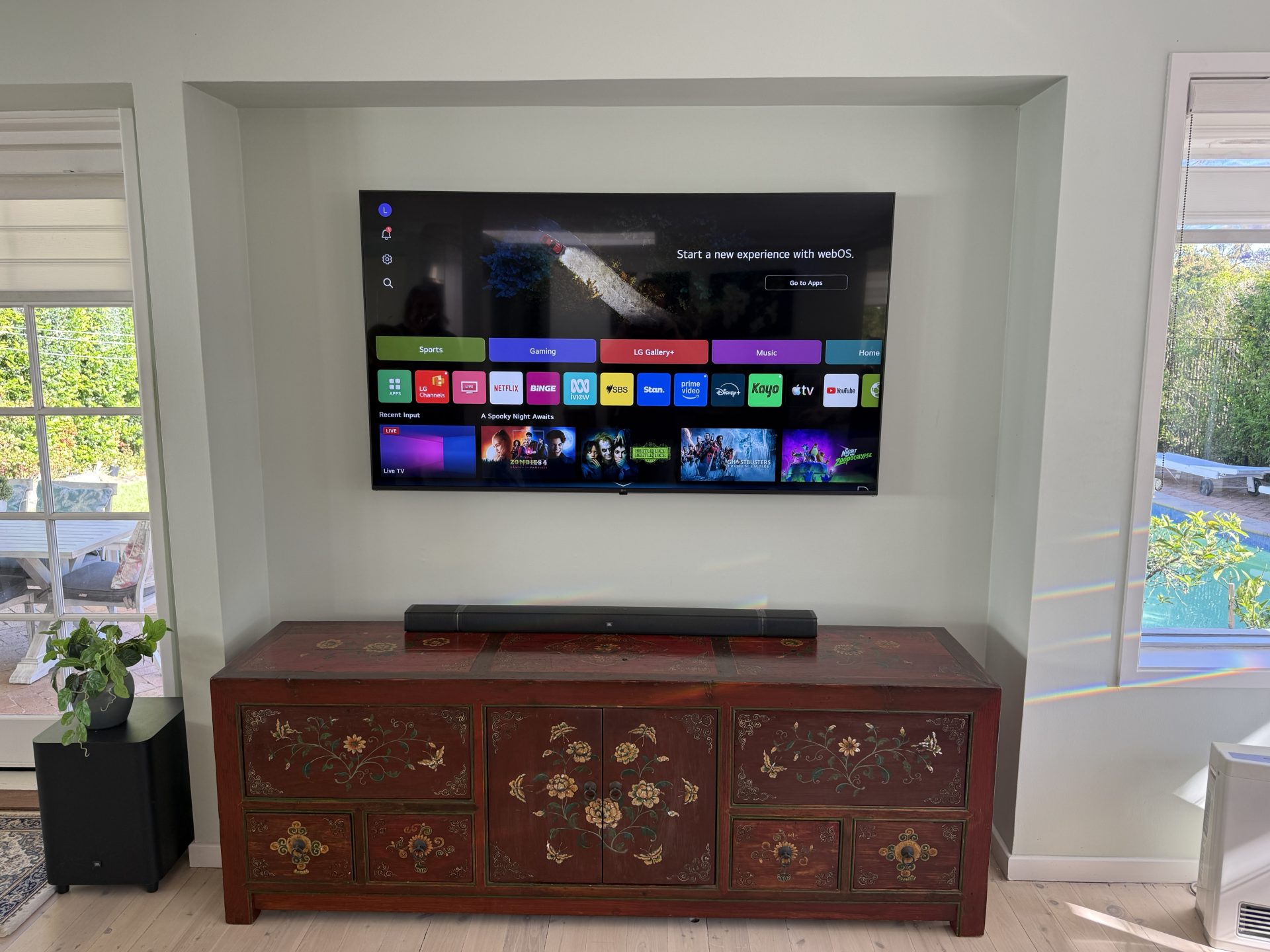
Black Friday is on 27 November, and the Boxing Day sales aren’t far behind. If you’re thinking about buying a TV in the sales, a few quick checks now can save you a headache on installation day. I’ve been installing TVs across the Northern Beaches and North Shore since 2002, and these are the things I see catch people out.
Do You Need a New TV at All?
It sounds odd from a TV installer, but it’s worth asking. CHOICE says the same thing in its sales guide: stop and think about whether you actually need a new TV.
If the picture on your current TV is still good, but the apps are slow or keep dropping out, a streaming box often fixes it. An Apple TV or Google TV Streamer plugs into a spare HDMI port and runs the apps itself. It’s a lot cheaper than a new TV, and it can make an older TV feel new again.
However, if the picture is dim, has lines through it, or you simply want a bigger screen, then the sales are a good time to upgrade.
Get the Size Right Before Buying a TV in the Sales
The two sizes I install most are 55 and 65 inches. People wanting something bigger usually go to 75, then 85.
TVs always look smaller in a big shop. So here’s a tip I give customers. Count your steps from where the TV will go to where you sit on the couch. Then, in the shop, walk back the same number of steps from the TV you like. It gives you a much more realistic idea of the size. I’ve covered this in more detail in my post on choosing a TV size.
Check It Will Fit Your Wall or Cabinet
This is where most installation-day surprises come from.
If it’s going on a unit, most new TVs have their legs out near the edges, rather than one stand in the middle. So check how far apart the legs sit, and make sure your unit is wider than that.
If it’s going inside a cabinet, measure the inside width and height. Then compare that with the TV’s full size in the specs, not the screen size.
If it’s going on the wall, most TVs fit a standard bracket. Already have a bracket? It can often be reused, and I carry all the different bolt sizes, so you don’t need the originals.
No good wall, or not allowed to drill? A mobile TV stand is another option.
Don’t Buy on the Specs Alone
A big “4K” sticker doesn’t tell you everything. CHOICE points out that most movies and shows are still in SD and HD. So it’s worth seeing how a TV handles normal TV, not just the shop’s demo video.
Listen to it too. Thin TVs often have small speakers, and cheaper ones especially. If the sound is weak, plan for a soundbar. In that case, check the TV has an HDMI port marked eARC or ARC. That’s the port that sends the TV’s sound to the soundbar, and it usually lets the TV remote control the volume too.
Finally, think about how long you want it to last. Plenty of people buy a budget TV and are happy with it for a few years. Just keep in mind that the apps and Wi-Fi on cheaper TVs can slow down sooner.
After You Buy
Once it’s home, leave the TV in its box. I’ll unpack it, fit the stand or bracket and measure it up. It also helps to have your Wi-Fi password and streaming logins handy, and your phone nearby, because most apps now sign in with a QR code on the TV.
Buying a TV in the Sales on the Northern Beaches or North Shore?
If you’re buying a TV in the sales and want it on the wall, or just set up properly, I can help. Send me a photo of the wall or cabinet and the TV’s model, and I’ll let you know what’s involved. Get in touch through the contact page or send a message to book. And if you’d like it up before Christmas, it’s worth booking in early.