

This Samsung Frame in Warriewood, on the Northern Beaches, went into a tight spot. The customer had bought a new 55-inch Samsung The Frame. They wanted it on the wall between a window and the end of the wall, which left us with only millimetres to spare.
Fitting a Samsung Frame in Warriewood With Millimetres to Spare
With a gap that tight, there’s no room for guesswork. So before drilling, we measured the space and marked out exactly where the TV would sit. Then the customer chose the height they wanted, sitting in their usual spot.
Samsung designed the Frame to hang like a picture, close to the wall. Older Frames like this one came with Samsung’s No Gap Wall Mount. I fixed it into the timber studs, so the TV sits flush against the wall with almost no gap behind it.
Connecting the Sonos Playbar and Setting Up One Remote
On the Frame, your other gear plugs into the One Connect box instead of the TV. A single thin cable then runs from the box to the screen. So I connected the customer’s existing Sonos Playbar to the One Connect box. A Playbar has no HDMI port, so it uses an optical cable.
After that, I paired the Samsung remote, so it also controls the Playbar’s volume. That way, the customer only needs one remote for the TV and the sound.
Tips for Mounting a Frame TV in a Tight Space
If your TV has to fit between a window, a door or the end of a wall, a few checks help:
- Check the TV’s width on the spec sheet, and measure the space at the height it will hang.
- Allow for window frames, blinds and curtains, so they can still open and close.
- Think about where the One Connect box and your other gear will go, because the cable to the TV has a set length.
Also, keep in mind that newer Frames have changed. Recent models use Samsung’s two-part Slim Fit Wall Mount. In addition, on the 2026 range, only the 43 and 50-inch models still use a One Connect box. The 55-inch and larger models have their connections built into the TV.
Book a Samsung Frame Installation in Warriewood or Across the Northern Beaches
I’ve been mounting TVs in Warriewood, where I’m based, and right across the Northern Beaches and North Shore since 2002. Whether it’s a Samsung Frame, an older soundbar or a tight space, I can get it all looking neat and working together. Get in touch through the contact page or send a message to book your Samsung Frame installation in Warriewood.
Call 0401 202 087 Send an Email Online Enquiry
Televisions Also Wall Mounted
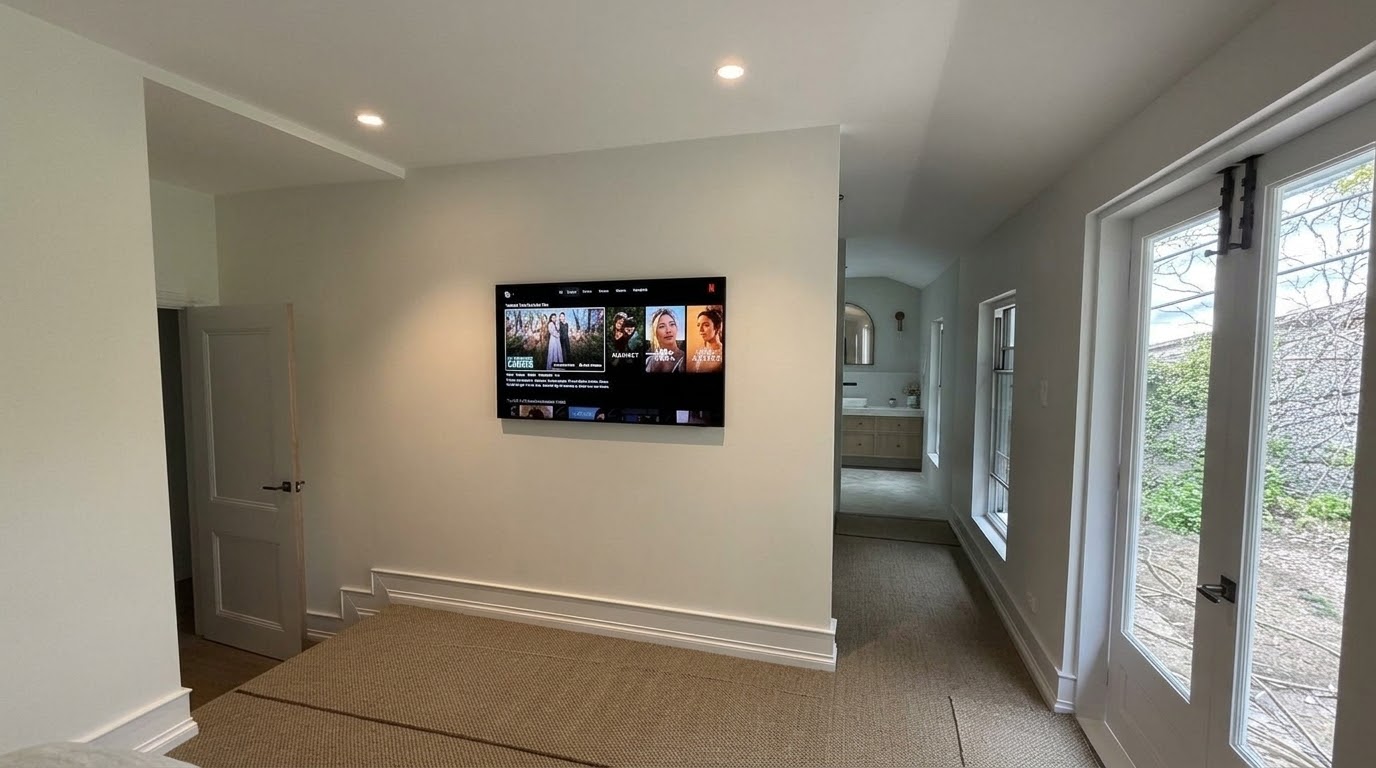
Samsung The Frame Pro Installation in Avalon Beach, Northern Beaches
This Frame Pro installation in Avalon Beach, on the Northern Beaches, shows why a Samsung The Frame Pro is a bit different from a standard TV. The whole idea is for the TV to sit neatly against the wall and look good in the room, even when it’s switched off. The customer had a 55-inch […]
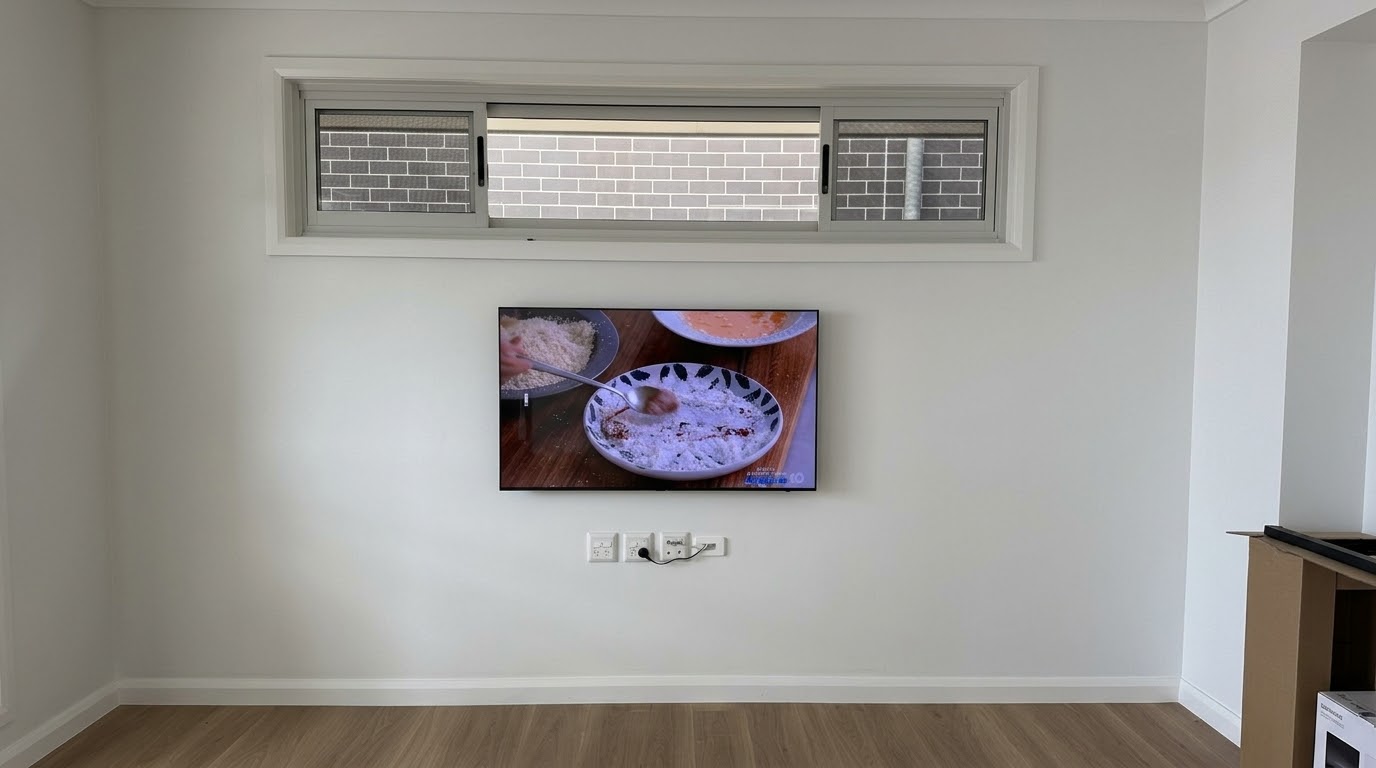
55″ Samsung OLED Wall Mount in Collaroy Plateau, Northern Beaches: Cables Hidden in the Wall
This Samsung OLED wall mount in Collaroy Plateau, on the Northern Beaches, was in a retirement village unit. The customer had bought a 55-inch Samsung OLED S90H and wanted it properly mounted, with no visible cables and no fuss. Samsung OLED Wall Mount in Collaroy Plateau, Northern Beaches The customer had already bought a wall […]
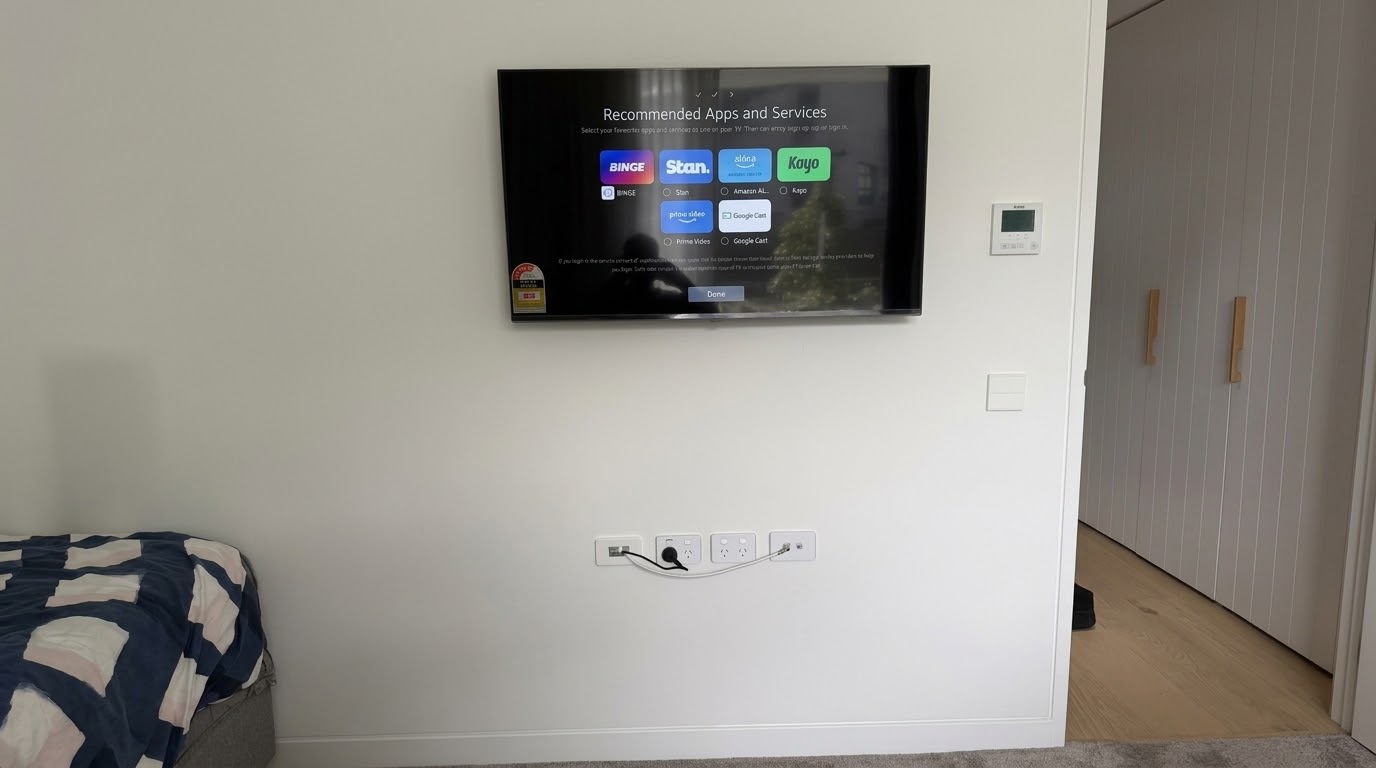
TV Wall Mount in Allambie Heights: Flat Bracket with Hidden Cables
This one was for a returning customer in a retirement village unit in Allambie Heights, on Sydney’s Northern Beaches. It’s always a good sign when someone calls you back for more work. The job was a 43-inch LG TV, wall mounted with a flat bracket. Why a Flat Bracket Suits Retirement Village TV Installs on […]
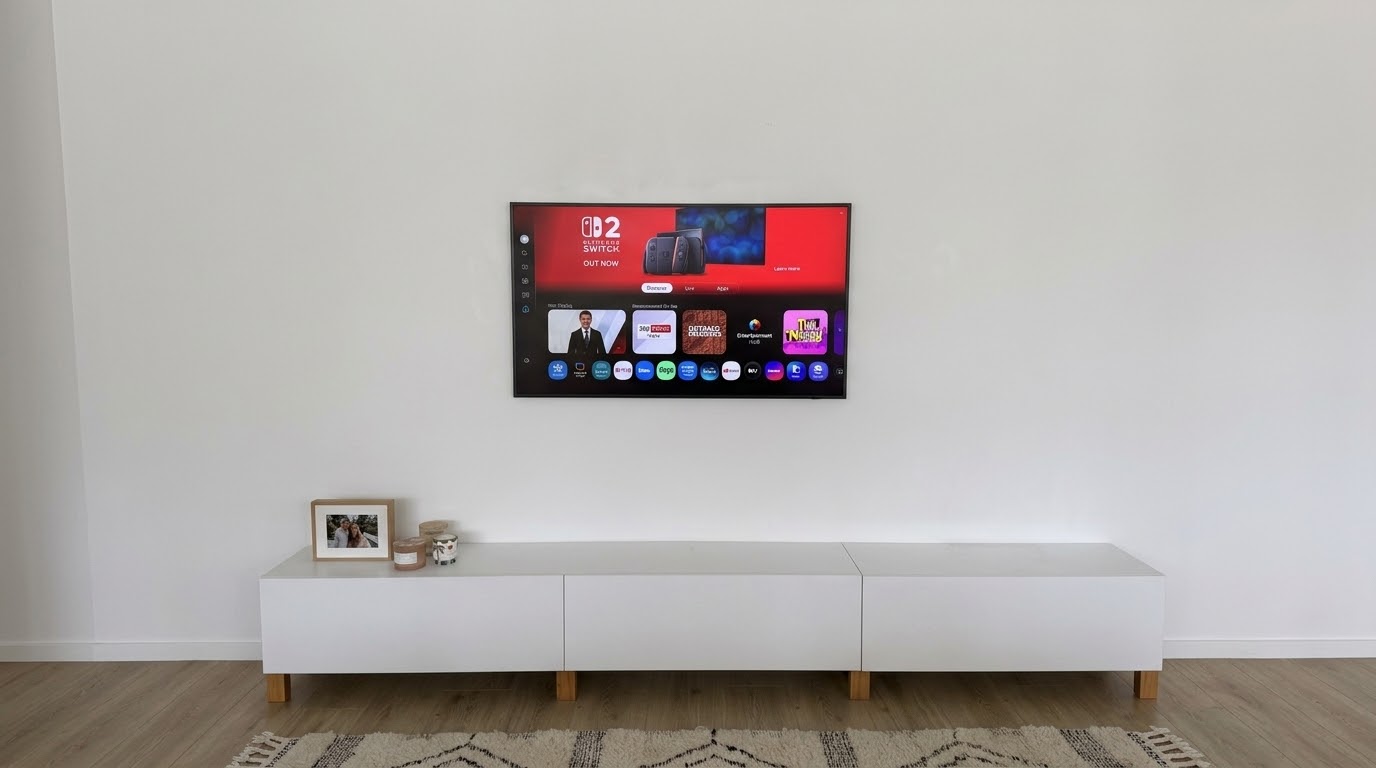
Samsung The Frame 55” Wall Mount in Beacon Hill, Northern Beaches: One Connect Cable Hidden
This Frame TV wall mount in Beacon Hill, on the Northern Beaches, was for a 55-inch Samsung The Frame. The whole point of a Frame is that it looks like a piece of art on the wall. So the last thing you want is a cable trailing down to a power point underneath it. Why […]
Swivel TV Wall Mount in Cromer, Northern Beaches: Angled for an L-Shaped Room
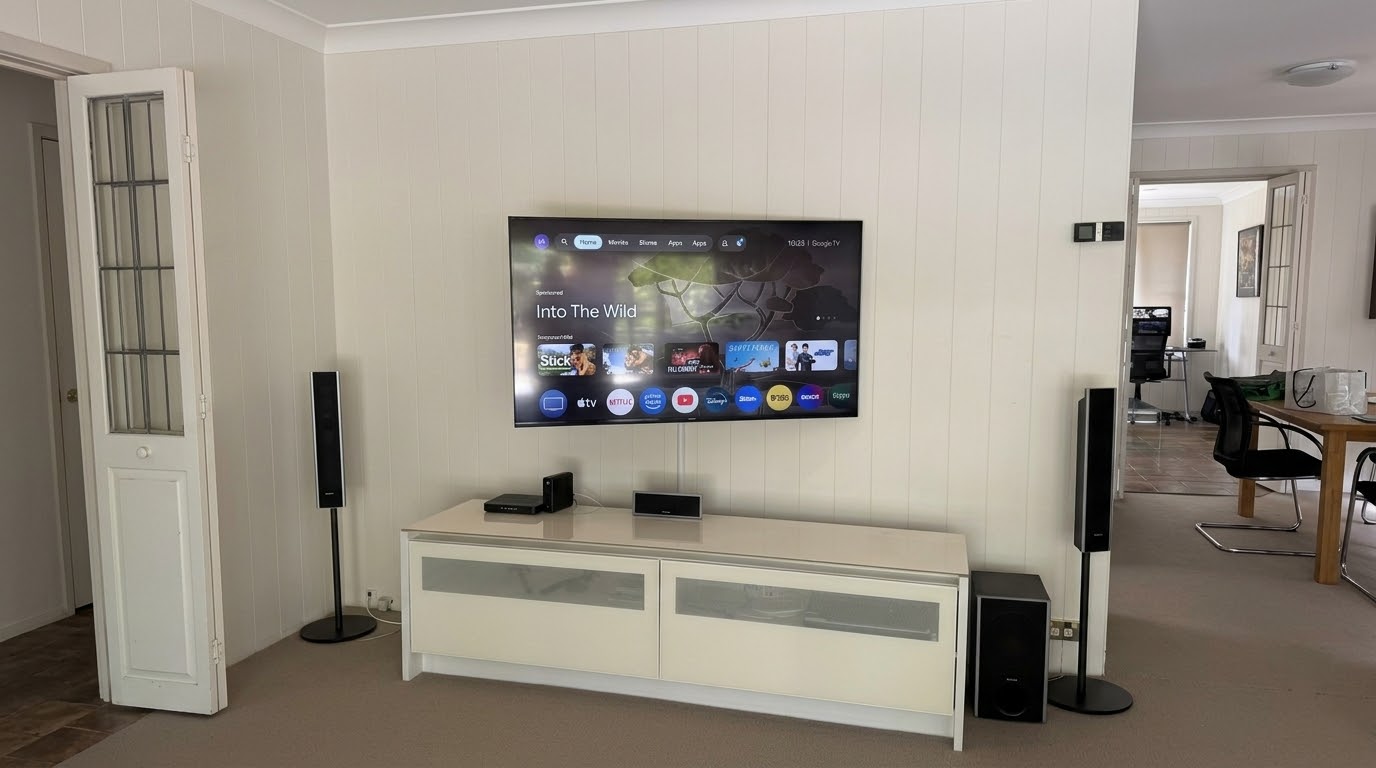
This TV wall mount in Cromer came about for a reason I hear more and more often: the grandkids. The family’s 55-inch Sony had been sitting on its stand on the cabinet for years. With little ones around now, they wanted it up on the wall, secure and out of reach. Swivel TV Wall Mount […]
55” Samsung TV Wall Mount in Artarmon, North Shore: Cables Hidden in the Wall
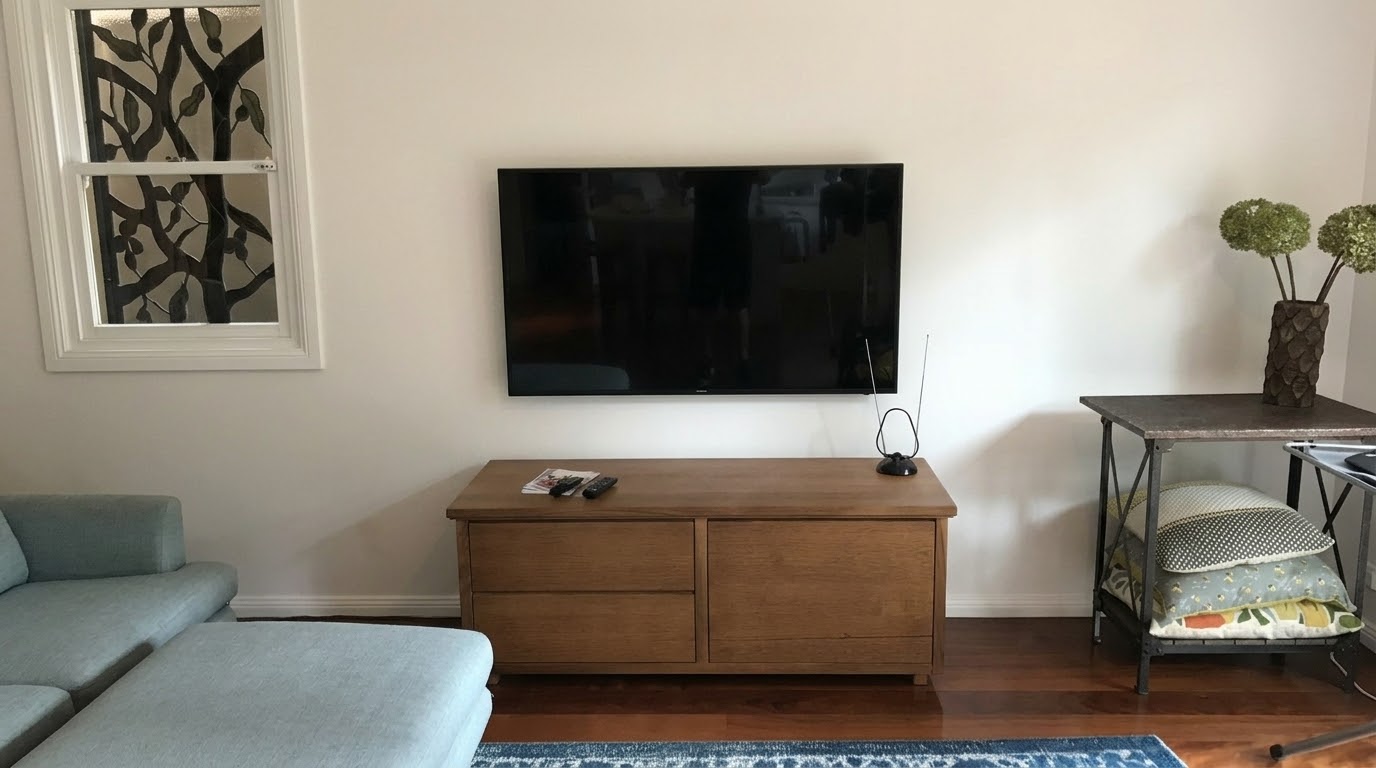
This TV wall mount in Artarmon, on the North Shore, was for a returning customer. A 55-inch Samsung went up on the wall above their credenza. I ran every cable inside the wall cavity, so nothing hangs down to the furniture below. TV Wall Mount in Artarmon with the Cables Hidden in the Wall Before […]