
![When I set up TVs across the Northern Beaches and North Shore, one question comes up all the time. Is an Apple TV worth it, or are the apps built into a new smart TV good enough? That means Samsung's Tizen, LG's webOS or the Google TV built into a Sony. Built-in apps have improved a lot over the years. Even so, a dedicated box still tends to win in a few areas that matter: speed, sound and how well it holds up over time. Apple TV vs Smart TV Apps: Speed and Menus The first thing you notice with an Apple TV is the speed. TV makers put most of their effort into the screen. So even on a premium 4K TV, the chip running the apps and menus is often fairly modest. That's why a new TV can feel snappy out of the box, then start to lag after a year or two of app updates. An Apple TV runs on the same type of chip Apple uses in its iPhones. The new Apple TV 4K, for example, has an 🟢[A19 chip]. As a result, the menus tend to stay smooth and apps open quickly for much longer. Picture and Sound for North Shore Home Theatre Setups Picture quality is closer than most people think. Both an Apple TV and a good smart TV can stream in 4K with HDR. One difference is that Samsung TVs don't support Dolby Vision. They use HDR10+ instead. An Apple TV supports both, so it works with either kind of TV. Sound is where things can differ more. Some built-in apps, especially on older or budget TVs, don't pass surround sound like Dolby Atmos to a soundbar as smoothly. An Apple TV tends to handle these formats more consistently. Keep in mind the sound still passes through the TV to the soundbar, so the TV's 🟢[eARC port] matters too. Newer flagship TVs often handle this fine on their own. One Remote, Every TV in the House If you've got different TV brands around the house, each one has its own menus and remote. For example, you might have an LG in the lounge, a Samsung in the bedroom and a Hisense in the rumpus room. Putting an Apple TV on each screen gives every room the same menus and the same remote. So anyone in the house can pick up a remote and know how to use it straight away. The Apple TV remote can usually turn the TV on and off and change the volume too. When Your TV's Built-In Apps Are Enough Is an Apple TV worth it if your TV is brand new? Not always. If you mainly watch free-to-air plus one or two apps, the built-in apps will often do the job. The same goes if you have a Foxtel iQ4 or iQ5. It already has most of the streaming apps people want, and it's fast and responsive. Apple TV or Google TV Streamer? If you do add a box, the right one usually depends on your phone. An Apple TV suits a home with iPhones and iPads. A Google TV Streamer is a good fit if you use Android or Google Home. The current models of both have an Ethernet port, so they can plug straight into the modem if the wifi is patchy. If your TV is already struggling, I've also written about 🟢[fixing a slow smart TV] with a streaming box. Is an Apple TV Worth It for Your Northern Beaches Home? So, is an Apple TV worth it? If you're dealing with slow menus, crashing apps or patchy sound through a soundbar, it's a simple upgrade that fixes most of it. If your TV is new and does everything you need, you may not need one yet. Either way, I'm happy to give you an honest opinion. I can set up the box, connect your soundbar and sign you into your apps. Get in touch through the 🟢[contact page] or send a message to book.](https://tvinstallationsnorthernbeaches.com.au/wp-content/uploads/2026/10/apple-tv-vs-smart-apps-northern-beaches.jpg)
When I set up TVs across the Northern Beaches and North Shore, one question comes up all the time. Is an Apple TV worth it, or are the apps built into a new smart TV good enough? That means Samsung’s Tizen, LG’s webOS or the Google TV built into a Sony. Built-in apps have improved […]
TV Advice & Tips
Buying a new TV advice and tips.
That TV Guy has 25+ years experience in TV installations, audio visual equipment setup and wall mounting services. We service Sydney’s Northern Beaches and North Shore suburbs. Contact Peter, your local TV installer and audio visual expert for TV advice and tips before purchasing your next television and audio visual equipment.
TV Advice & Tips
OLED vs QLED: Which TV Is Best for a Bright Room on the Northern Beaches or North Shore?
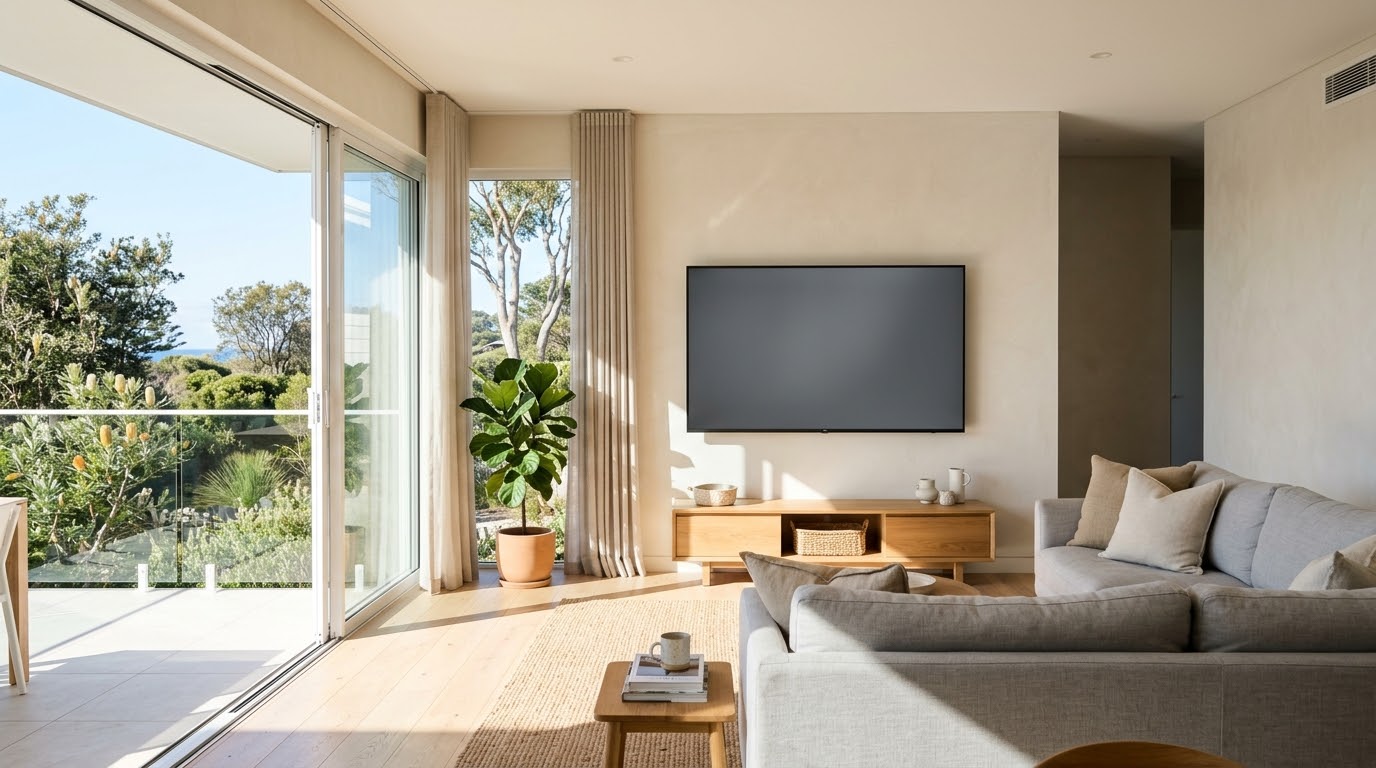
Living on the Northern Beaches or North Shore often means open-plan rooms, big windows and plenty of coastal light. That’s great, until your TV turns into a mirror. So should you pick OLED or QLED for a bright room? Here’s how the two compare, plus a few mounting tips I’ve picked up fitting TVs in […]
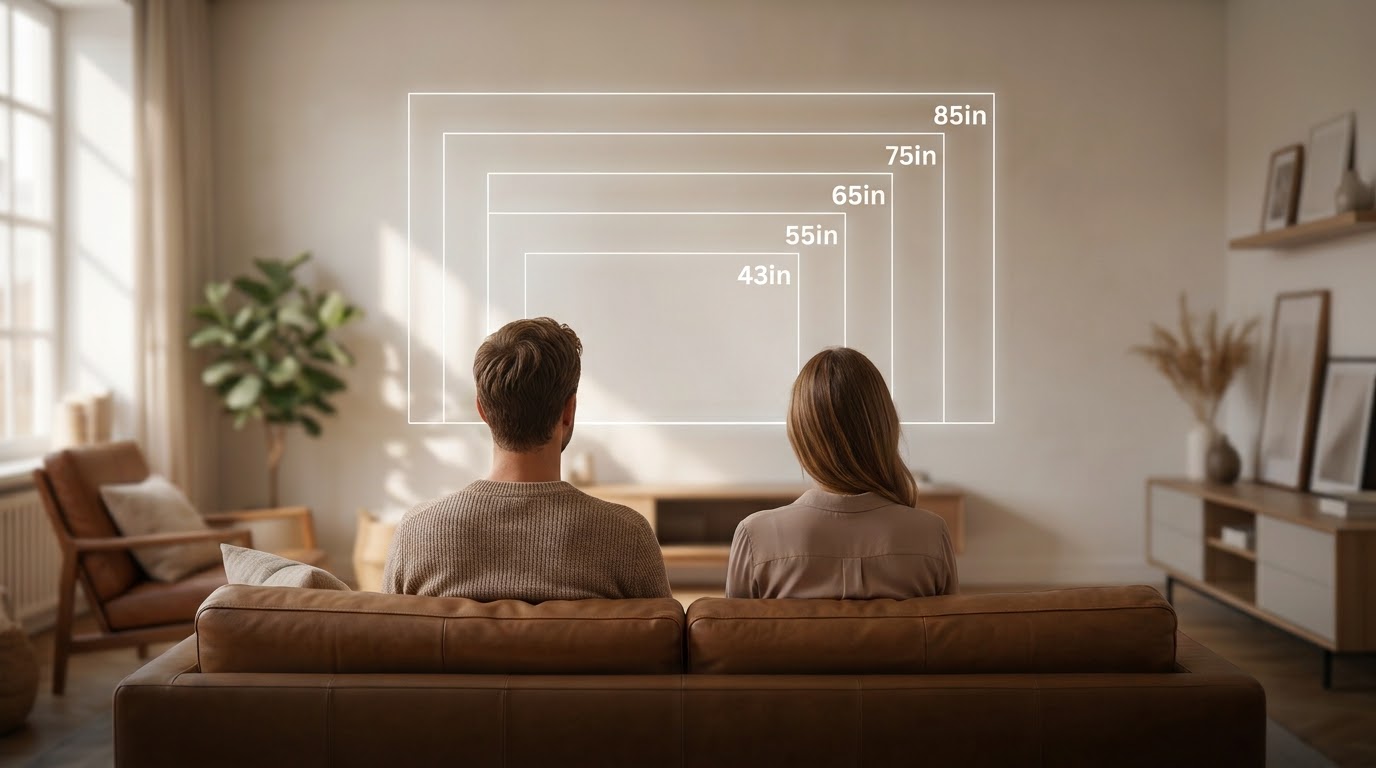
Walking into a big electronics showroom can throw off your sense of scale. Screens look enormous lined up under bright lights. Yet a size that felt “too much” in the shop often looks just right once it’s on your lounge room wall. So if you’re wondering what size TV you need, here’s what I’ve learned […]
Customer Jobs, TV Advice & Tips, TV Installations
Sony Bravia 85″ TV Setup in Newport, Northern Beaches: Fixing a Bose Soundbar That Wouldn’t Sync
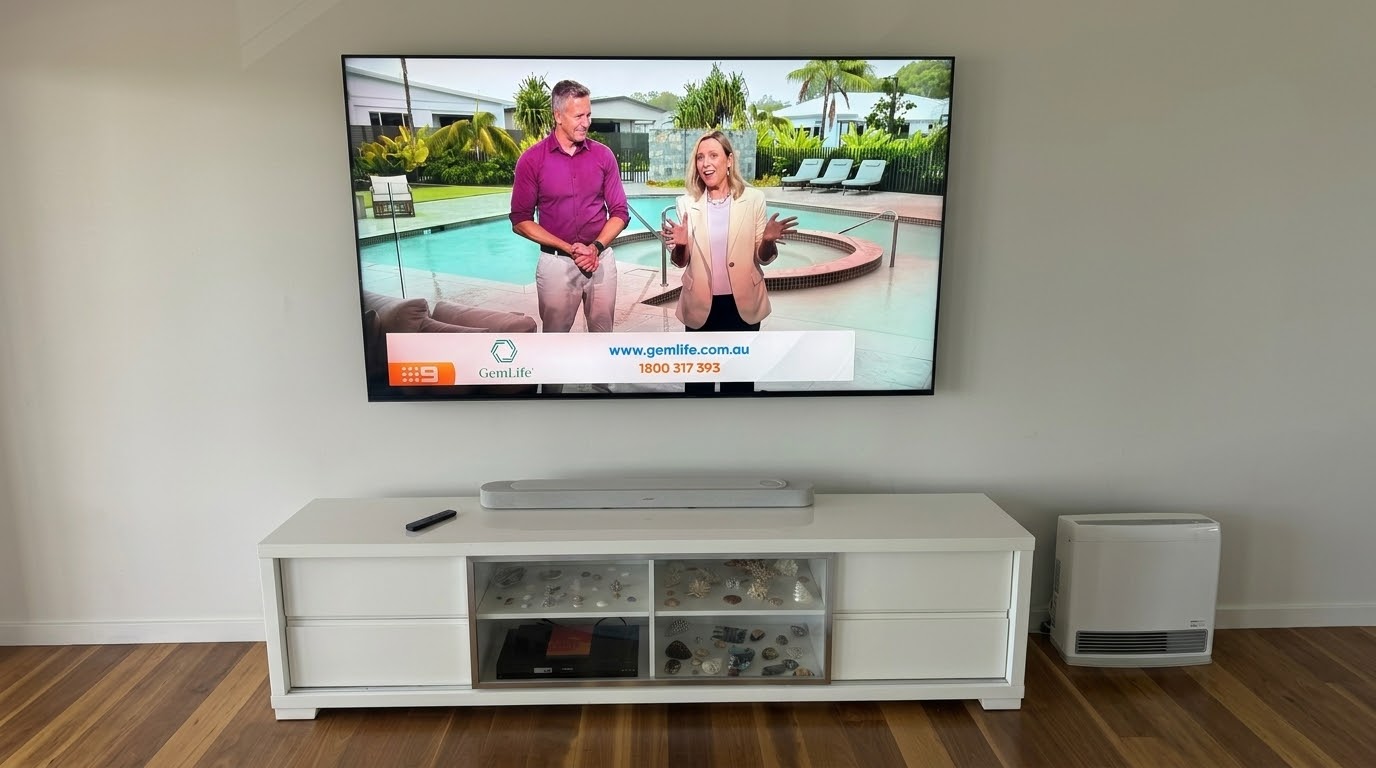
I got a call about a Sony Bravia TV setup in Newport, on the Northern Beaches. The customer had upgraded their old TV to a brand new 85-inch Sony Bravia, with a Bose soundbar to match. The store they bought them from had already installed both. The TV was up on the wall and the […]
Audio Visual Equipment Setup, Customer Jobs, TV Advice & Tips
New LG TV Install in Killarney Heights, Northern Beaches: Reusing the Original Wall Bracket
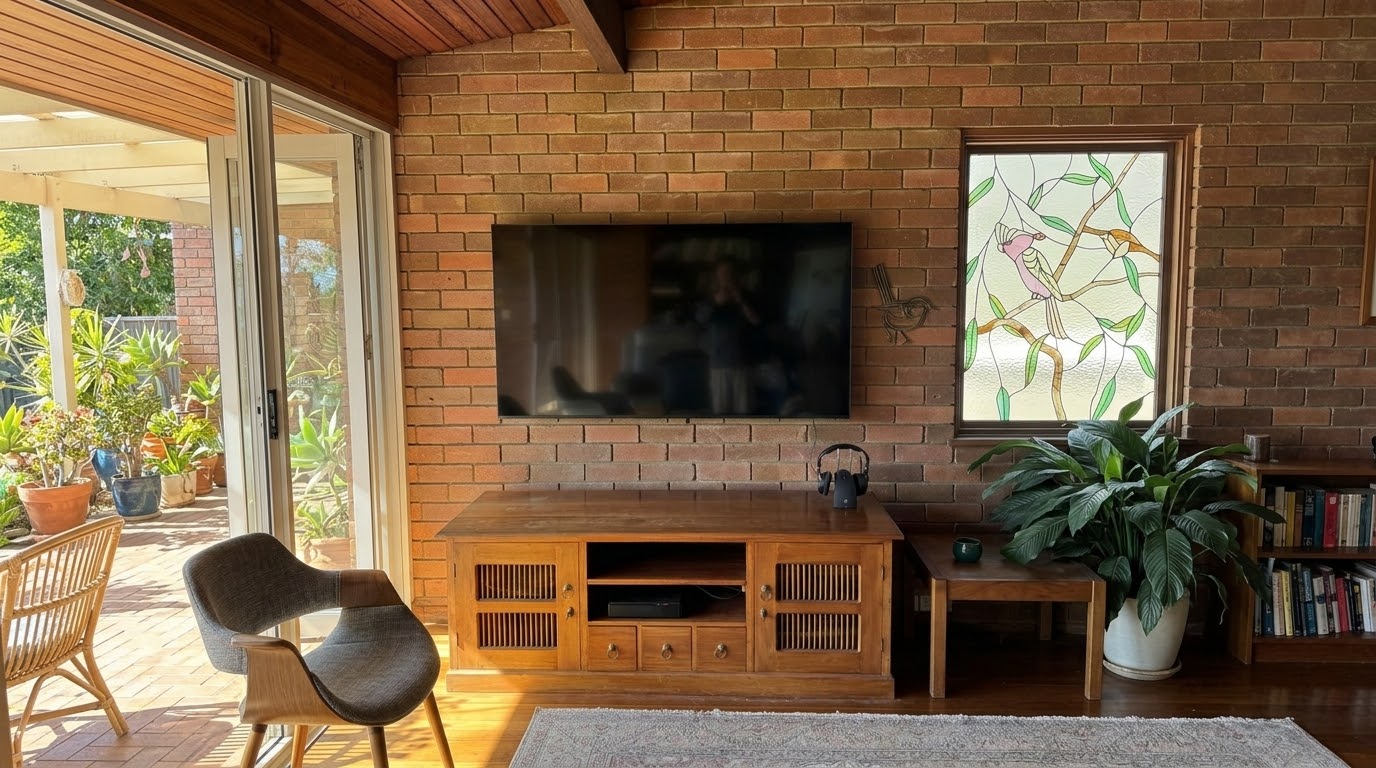
This TV replacement in Killarney Heights is a good example of why a new TV doesn’t have to mean starting from scratch. The customer’s 8-year-old 65-inch LG made way for a brand new LG of the same size. We kept the original wall bracket and the hidden cable run. Along the way, I also solved […]
Customer Jobs, TV Advice & Tips
Recorder Stuck on “Please Wait”? HDD Recorder Replacement in Dee Why, Northern Beaches

If your free-to-air recorder is stuck on “please wait” and won’t move past it, I can save you a call-out — that’s almost always the hard drive dying, not something you can fix by unplugging it and trying again. That’s exactly what had happened to a customer’s recorder in Dee Why. The unit had been […]
Customer Jobs, TV Advice & Tips
Samsung TV Plus Hijacking Your Startup? Here’s What’s Going On – Mona Vale, Northern Beaches
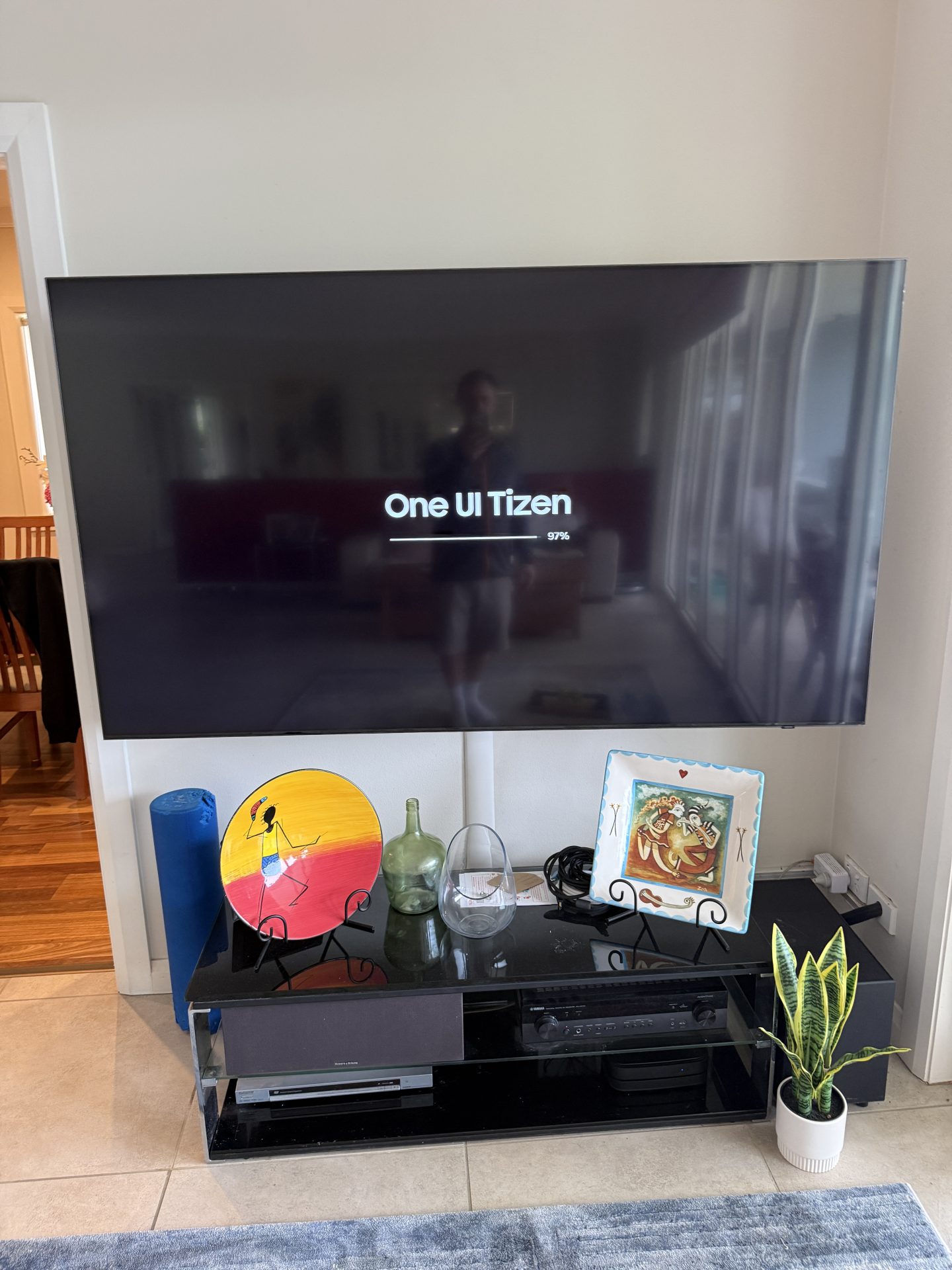
You turn your Samsung TV on, expecting to pick up where you left off with Netflix, Foxtel or whatever you were watching. Instead, you land straight in Samsung TV Plus. Sound familiar? That’s exactly what happened to a customer in Mona Vale, on the Northern Beaches, recently. Their Samsung had quietly installed an automatic software […]
TV Advice & Tips
Moving House? Don’t Take the NBN Box – What Northern Beaches and North Shore Residents Need to Know

Here’s something that comes up all the time when people move house on the Northern Beaches and North Shore. While packing up the tech, someone spots a white box with cables running in and out. It looks like it could be theirs, so the NBN box ends up in a moving carton. It isn’t theirs, […]
TV Advice & Tips, TV Wall Mounting
Samsung The Frame TV Wall Mounting in Dee Why — Hidden Cable Installation

A Dee Why customer recently had her brand new 55” Samsung The Frame TV wall mounted, and this one was a great example of how a proper installation makes all the difference. Getting the position right Before any brackets went on the wall, we took the time to get the positioning exactly right. The customer […]

Yes, it can be safe to mount a TV above a fireplace, but only if certain conditions are met.